
Anthropic shipped a design tool this week. Not an image generator, not a template browser, but a conversational interface that takes a text prompt and builds interactive prototypes, slide decks and marketing assets in real time. It’s called Claude Design, it runs on the new Claude Opus 4.7 model, and it’s available now for Pro, Max, Team and Enterprise subscribers.
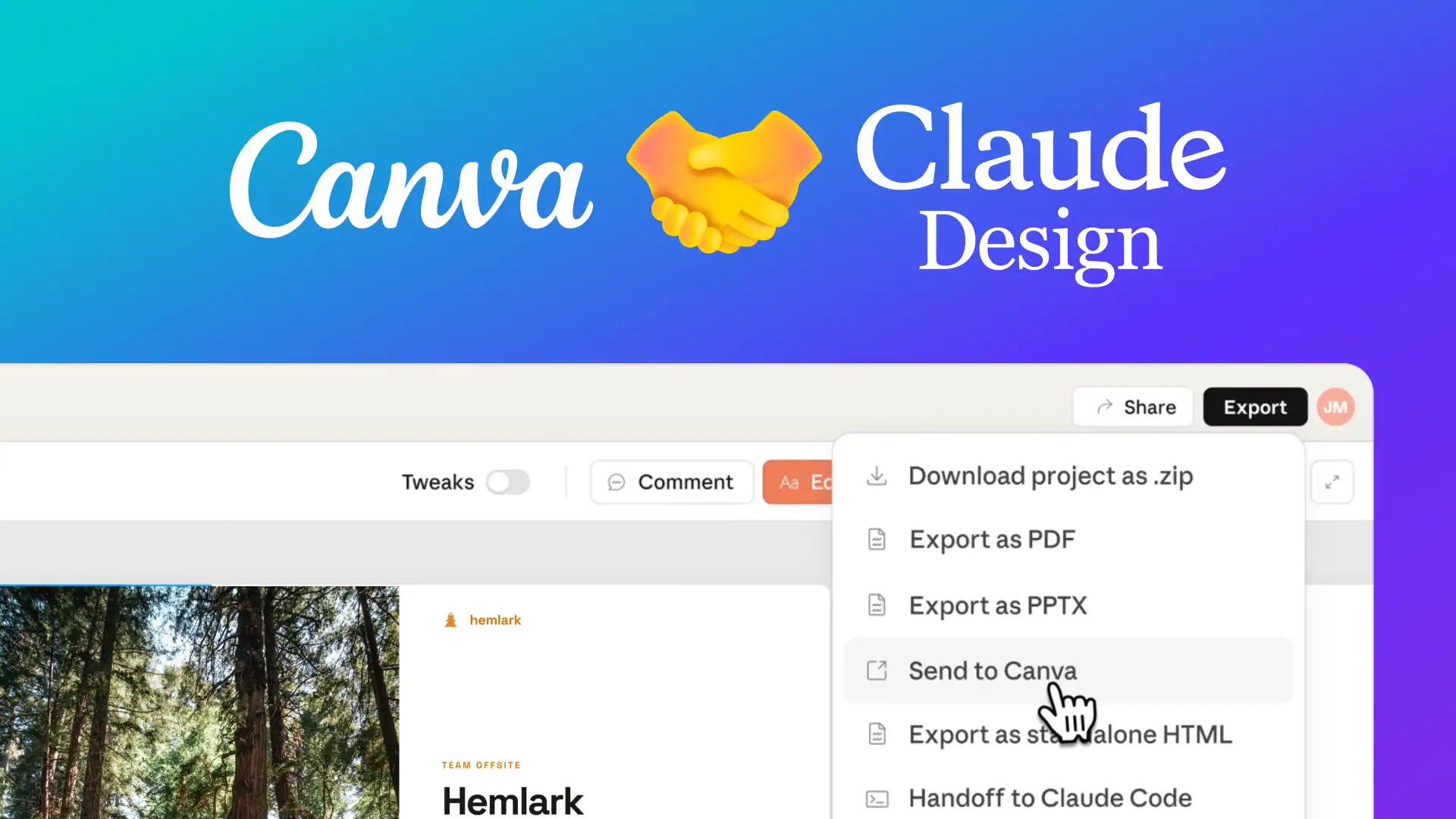
The pitch is straightforward: describe what you need, refine it through conversation, and export the result to Canva, PDF, PPTX, or standalone HTML. If you’ve ever spent 45 minutes aligning elements in a wireframe tool or waited three days for a freelancer to return a first draft, Anthropic is betting this will feel like a shortcut.
But there’s a cost, and it’s not just the subscription.
What it does and how it works
Claude Design follows a workflow that starts with onboarding. You point it at your codebase or upload a brand guidelines PDF, and it builds a persistent design system. From that point on, every output uses your specific colors, typography, and components without you having to re-explain them each time. Teams can maintain more than one design system.
From there, you can start with a text prompt, upload files (DOCX, PPTX, XLSX), or use a web capture tool to pull elements directly from your existing site. The output lands in a live, interactive canvas where you can comment inline on specific elements, edit text directly, or use adjustment sliders Claude generates for spacing, color, and layout.
The refinement loop is where it separates from template-based tools. You don’t regenerate from scratch. You direct changes conversationally: “shorten this headline to three words,” “make the CTA more prominent,” “align the button centrally with 24px padding.” Claude applies the edits while keeping the rest of the layout intact.
When a design is ready for production, a Handoff Bundle packages everything for Claude Code to interpret and begin building.
The Canva question has a specific answer
The obvious question is whether this kills Canva. It doesn’t, and Anthropic isn’t positioning it that way. Claude Design includes a direct export to Canva, turning the output into a fully editable Canva file for collaborative polish.
“We’re excited to build on our collaboration with Claude, making it seamless for people to bring ideas and drafts from Claude Design into Canva, where they instantly become fully editable and collaborative designs ready to refine, share, and publish,” Melanie Perkins, co-founder and CEO of Canva, said.
The intended workflow splits the process into two. Claude Design handles structural generation and rapid ideation. Canva handles asset management, team feedback loops, and publishing. Canva’s template library, stock assets, animations, and collaboration features remain untouched. What changes is where the work starts.
A side-by-side comparison makes the distinction clear. Canva runs on a template-first approach: you search for “Instagram Post,” pick a layout, and tweak it. Claude Design runs on a conversation-first approach: you describe the end result, and the model generates the initial structure. The two tools converge at the export step.
Canva also has its own AI suite, Magic Studio, which uses in-house models and third-party APIs to generate templates and copy within the Canva editor. That’s a separate product from the Claude Design integration. They serve different functions at different stages of the workflow.
Early users report dramatic speed gains
Brilliant, the interactive learning platform, said its most complex pages dropped from over 20 prompts in other tools to just two prompts in Claude Design. That’s a 90% reduction in the friction of initial creation according to the company.
“Our most complex pages, which took 20+ prompts to recreate in other tools, only required 2 prompts in Claude Design. Including design intent in Claude Code handoffs has made the jump from prototype to production seamless,” Olivia Xu, senior product designer at Brilliant, said.
Datadog’s product team reported going from a rough idea to a working prototype before anyone left the meeting.
“What used to take a week of back-and-forth between briefs, mockups, and review rounds now happens in a single conversation,” Aneesh Kethini, product manager at Datadog, said.
The token problem is real
Here’s the trade-off: nobody’s marketing. Claude Design is a heavy consumer of compute. Visual generation with Opus 4.7’s vision model requires far more resources than text-only conversations because it’s processing layout, typography, color theory and interactive code simultaneously.
Early testing found that 25 minutes of active prototyping can burn through 80% of a Pro user’s weekly token quota. You can enable “Extra Usage” for overage billing, but for individuals and small teams watching their budget, this is a meaningful constraint.
The math breaks down by tier. Claude Pro at $20 a month gives you access but not much runway. You’ll hit token limits fast if you’re doing anything beyond a single quick mockup. Max, Team and Enterprise tiers with higher limits are where the tool makes economic sense, particularly for teams where designer time is already an expensive bottleneck.
If you’re looking to replace Canva’s free tier with something AI-powered, Claude Design isn’t that product. It’s a professional-grade prototyping accelerator priced accordingly.
What it can build
The feature set goes well beyond static graphics. Claude Design outputs interactive prototypes with working UI elements, presentation decks exportable as PPTX, landing page HTML ready for split testing, and code-powered prototypes incorporating voice, video, shaders, 3D and built-in AI.
The code output angle matters. Unlike traditional design tools that produce flat files, Claude Design generates working HTML/CSS, React components and SVG alongside the visual. The handoff to development isn’t a screenshot with redlines. It’s functional code that Claude Code can pick up and start building with immediately.
For marketers, the practical applications are specific. You can generate multiple visual treatments of a landing page hero section in minutes and export the HTML to run split tests before committing development resources. You can build a clickable prototype for stakeholder buy-in instead of presenting a bulleted list. You can prompt for social media variants optimized for LinkedIn carousel, Instagram Story, and X post formats simultaneously, then send the winners to Canva for final resizing and brand assets.
Who should care and who should wait
Product managers who know what a feature flow should look like but can’t build it in Figma. Founders who need a pitch deck that doesn’t scream default template. Marketers who want to test 10 visual directions without burning three hours of designer time on each one.
Claude Design doesn’t replace designers. It gives everyone else a way to articulate visual ideas concretely enough that the conversation with a designer starts at version 2 rather than version 0. For designers themselves, it expands the number of directions they can explore before committing to one.
For Enterprise organizations, the feature is off by default. Admins need to enable it in Organization settings.
The tool is available now at claude.ai/design. Access is included with paid subscriptions and draws from existing usage limits. The question isn’t whether it’s capable. It’s whether your token budget can keep up with your ideas.