Tag
Windows 11
13articles

Why third-party antivirus slows down Windows 10 and 11 PCs
You don’t need to install third-party antivirus on Windows 10 or Windows 11. Both come with Windows Security, Microsoft's free built-in protection, and it scores as well as…

This week’s most important news stories
One trailer ate the week. Rockstar’s final GTA 6 trailer landed, and almost everything else in gaming had to fight for whatever attention was left. This is our…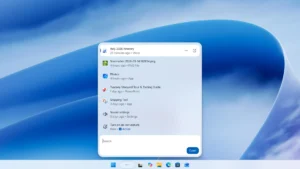
Windows Search on Windows 11 Is About to Change Forever
The search box on the Windows 11 Taskbar has spent years doing a single job: finding apps and files. Microsoft wants it doing a dozen more, and the…
How to fix Windows Defender Quick Scan not working in Windows 11
If Microsoft Defender’s Quick Scan stops partway through or won’t start at all on Windows 11, first check that you’re launching it from the right place in Windows…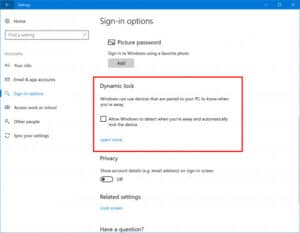
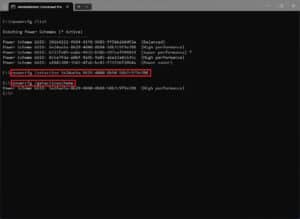
How to clean up and speed up your Windows PC in 10 minutes
A slow, cluttered Windows PC usually comes down to a few things you can fix quickly: too many apps launching at startup, a nearly full system drive, power…How to turn on Dynamic Lock to auto-lock your Windows PC
If you sometimes walk away from your laptop and forget to lock it, Windows has a built-in feature called Dynamic Lock that can lock it for you. You…
How to disable 4 Windows 11 background services to free up RAM
If your Windows 11 PC feels sluggish, some of the cause may be background services you never use. Four services are worth checking: the Windows AI Fabric Service…How to turn on 5 stronger Microsoft Defender protections
Windows Security, the app that runs Microsoft Defender on Windows 11, has several stronger protections that often aren’t switched on: Memory Integrity, Local Security Authority protection, Smart App…How to use Windhawk to fix the Windows 11 Start menu and taskbar
Windows 11 took away many of the Start menu, taskbar and File Explorer settings that earlier versions had. You can get most of them back with Windhawk, a…