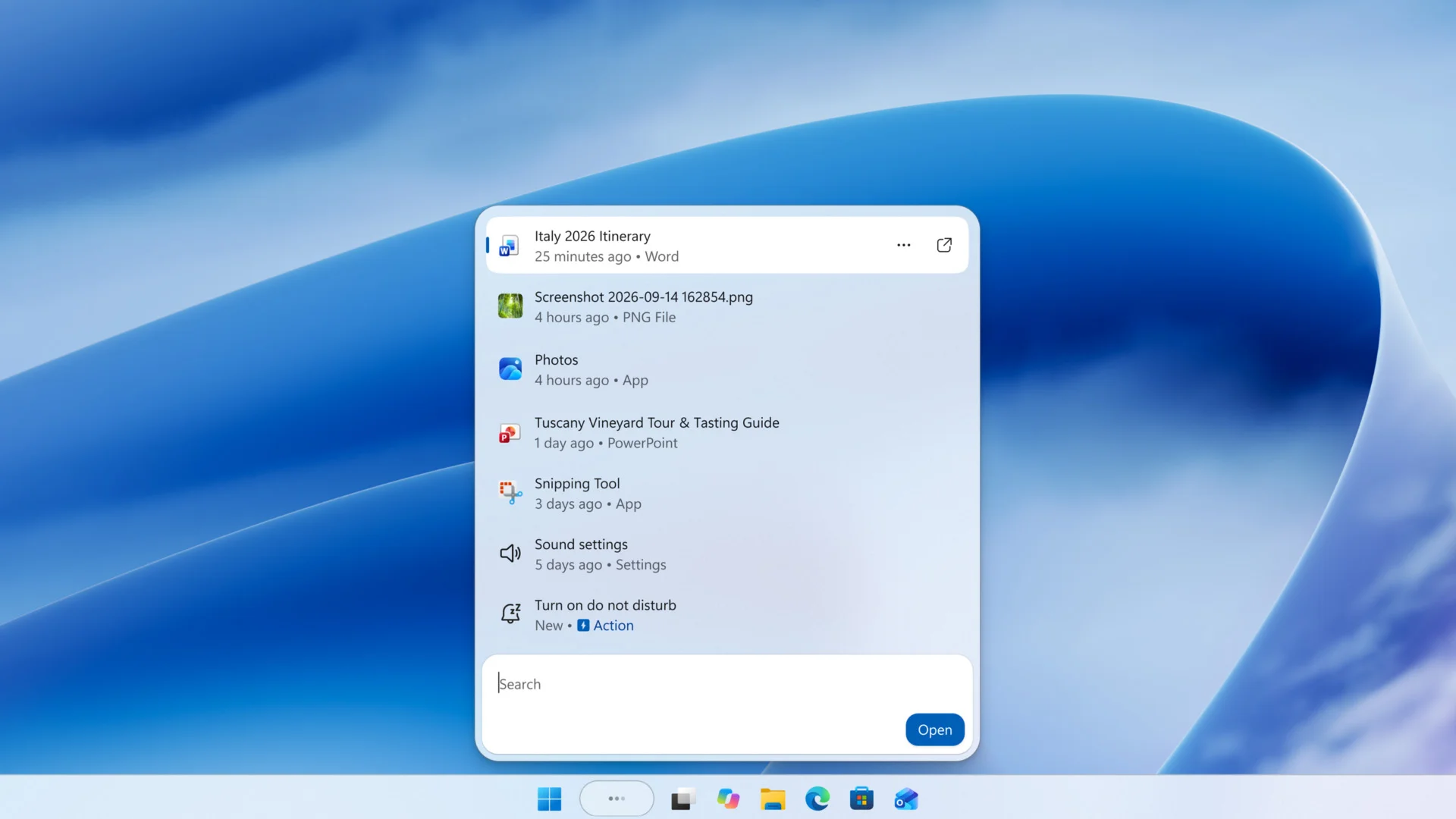

The search box on the Windows 11 Taskbar has spent years doing a single job: finding apps and files. Microsoft wants it doing a dozen more, and the company announced a complete overhaul of Windows Search to make that happen.
The redesigned Search is already available for Windows Insiders, and Microsoft said all Windows 11 users will get it soon.
Thousands of quick actions, one search box
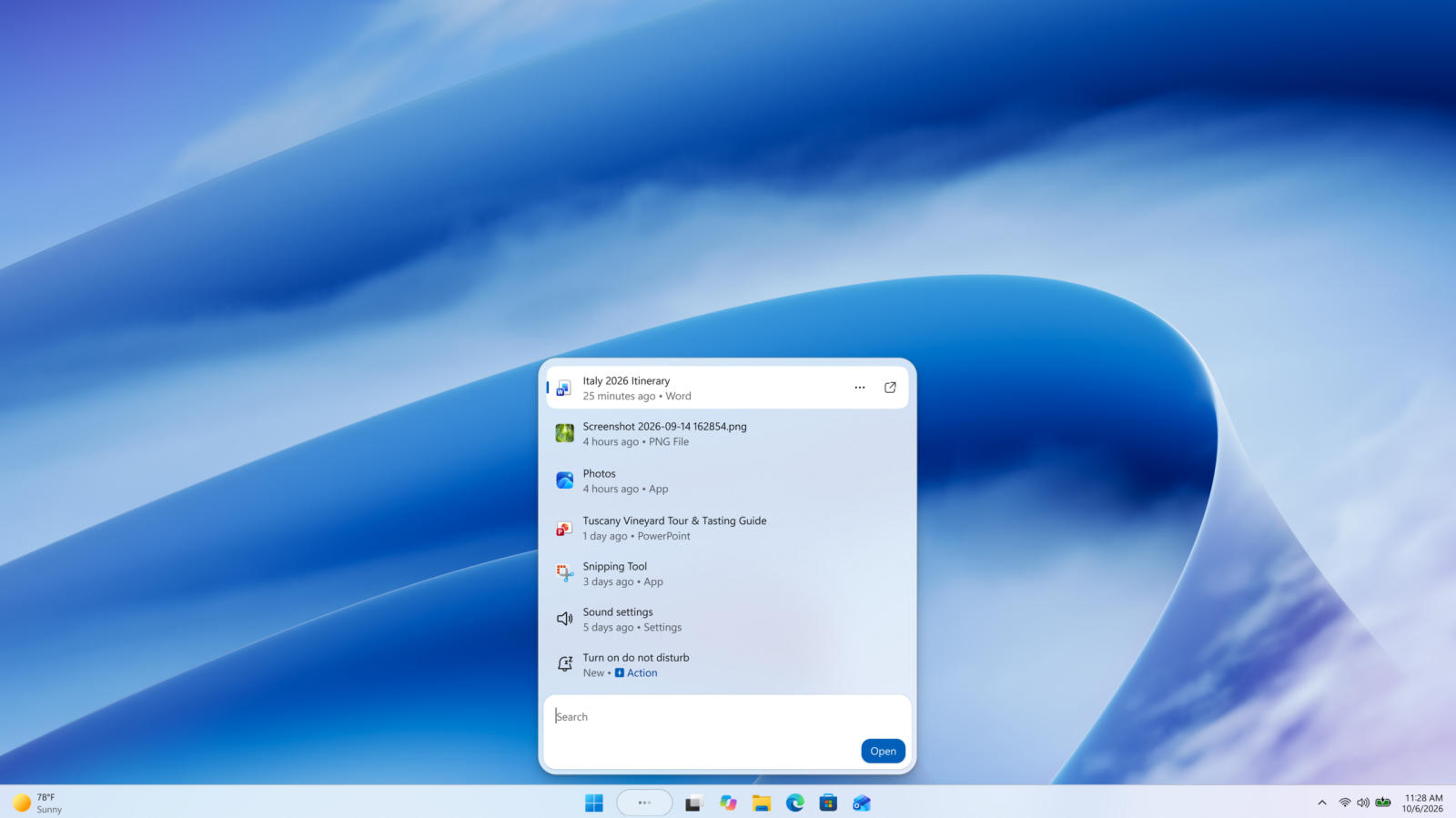
The scope is the story here. Microsoft said Windows 11 users will soon be able to perform thousands of quick actions directly from the Taskbar search: toggling Dark Mode, enabling “Do Not Disturb,” or adjusting microphone volume, all without leaving the search bar.
The command list extends from there. Search can flip Bluetooth on or off, launch other apps, and send messages through the Phone Link app using various commands.
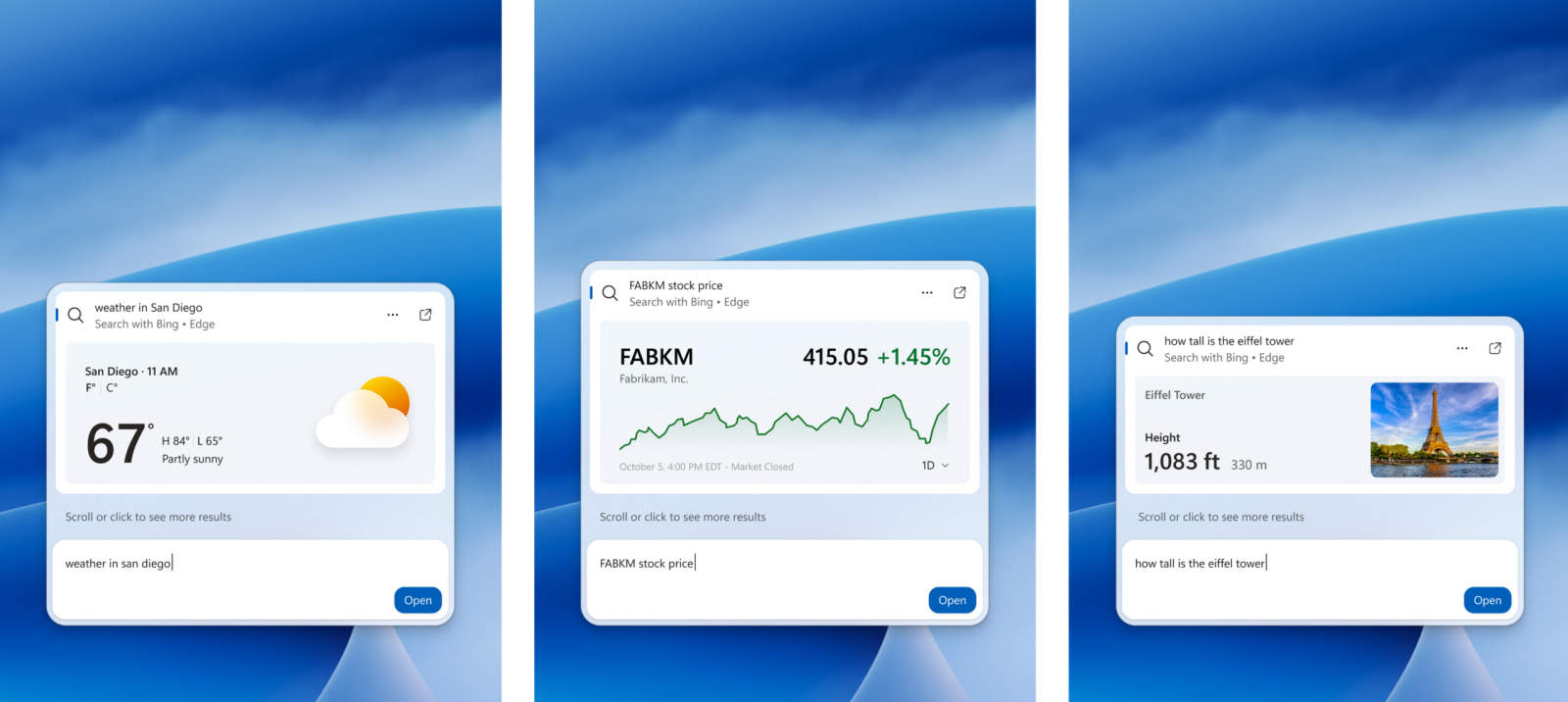
The results stay inside Search
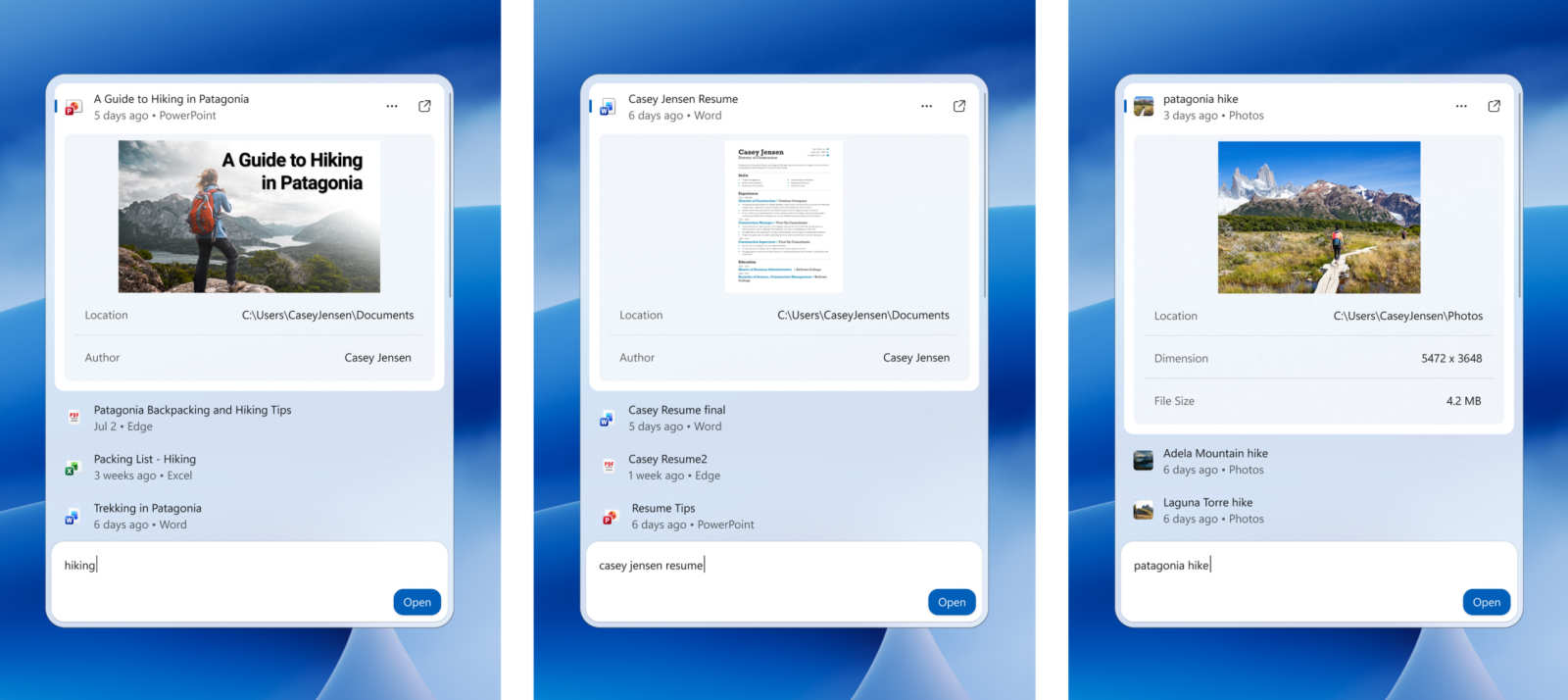
The most interesting shift is what happens after you type. Results now appear directly within the Search interface. No separate folders, apps, or websites required.
That includes photos, which you can view within the Windows Search environment itself. Microsoft paired the change with larger preview windows for files and said the new Search has a deeper understanding of user queries.
Typo tolerance got attention too. The system is more effective at recognizing misspellings, so one sloppy keystroke won’t send you back to retype the whole thing.
Faster and lighter, at least on paper
Microsoft said the new Search is designed to be more responsive and use less memory, two claims worth holding it to.
Alongside the speed claims, the redesign brings a modern, cleaner aesthetic with “smoother motion.”
If you’re a Windows Insider, the overhaul is already waiting in your build. Everyone else gets it soon, and the quick actions are the part worth trying first.