
Plug a phone that tops out at 20W into a 100W charger and you get 20W. That’s the whole problem with fast charging in one sentence, and it’s why the wattage number printed on a charger box tells you almost nothing on its own.
“Fast charging” is a catch-all now. It covers USB PD, PPS and SuperVOOC, which sounds like a limit break in a Final Fantasy game. The jargon is a mess. The buying decision underneath it isn’t.
How we ended up with an alphabet soup
USB charging used to be a slow trickle of power. Then mobile devices took over, demand for charging systems adapted, and individual companies went off and built their own approaches. That’s how you get Qualcomm’s Quick Charge, Oppo’s SuperVOOC and Xiaomi’s HyperCharge, all advertising some form of fast charging, none of them the same thing.
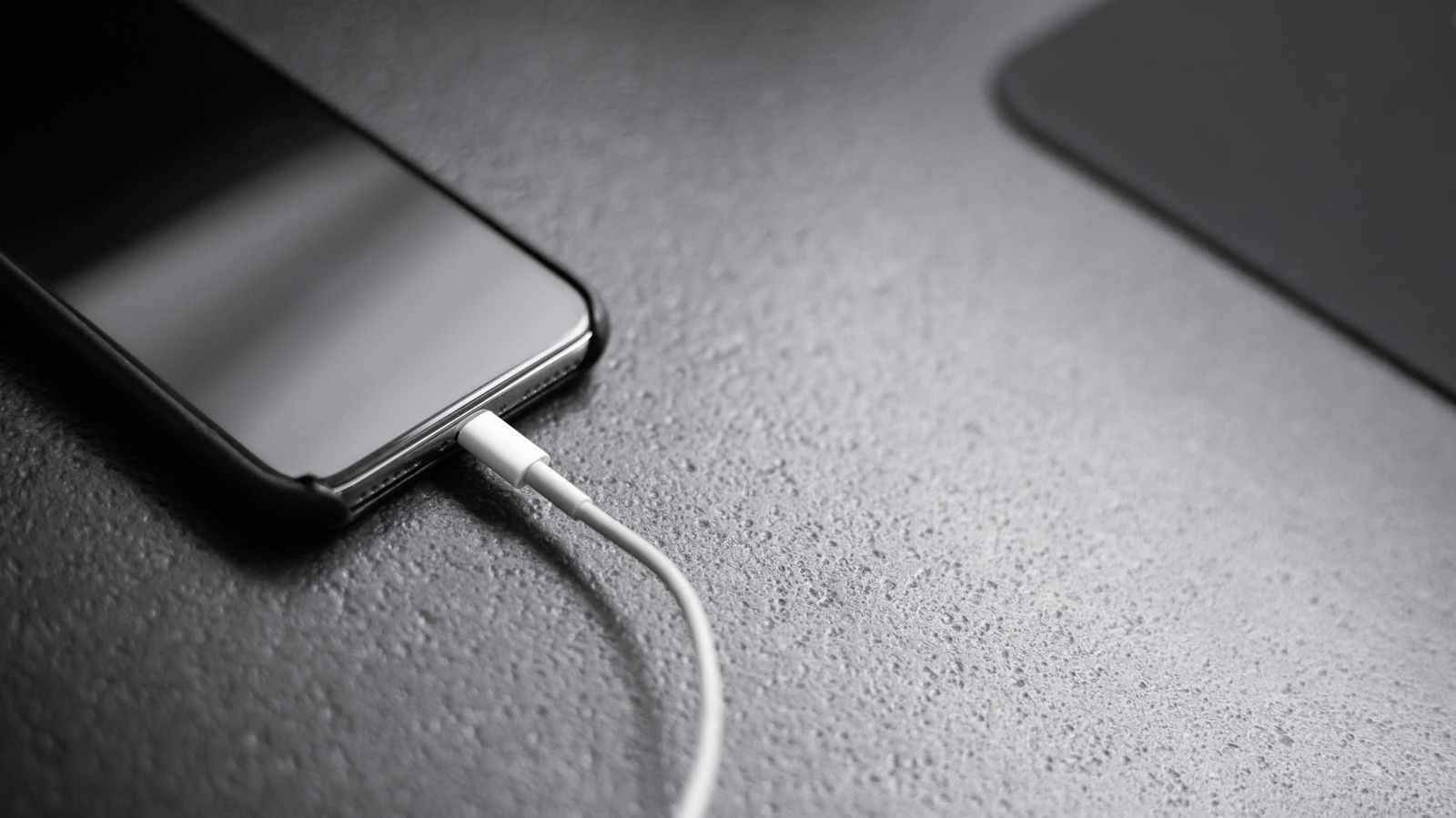
The port itself is not the tell. A device with USB-C doesn’t necessarily support fast charging at all. Plenty of USB-C devices max out at slower speeds, and others use quick-charging methods that aren’t PD. What matters is what’s happening inside the phone, not the shape of the hole in the bottom.
Getting the most out of fast charging means matching the device with the right cable and the right charger. If your phone supports a fast-charging protocol and your charger doesn’t, you’re out of luck. No amount of extra wattage on the brick fixes that.
USB PD is the closest thing to a universal answer
USB Power Delivery is what passes for a standard across phones, tablets, laptops and some gaming portables. It’s the one worth building your charging setup around.
The newer revisions push it further. USB PD 3.1 raised the maximum supported power to 240W, and USB PD 3.2 is the latest revision of the spec. Those ceilings exist for laptops and monitors, not handsets. Phones don’t need anything close, and thermal constraints would make 240W impractical and unnecessary in a phone regardless.
The iPhone 17 series supports USB PD. Samsung and Google phones use fast-charging systems built around USB PD and its PPS feature.
PPS is the part that matters on Android flagships
Programmable Power Supply is one of the more advanced USB PD features you’ll find on a phone. It lets the device ask for smaller, more precise voltage and current changes as it powers up, which can improve efficiency and help with heat.
Samsung’s Galaxy S26 Ultra uses PPS as part of its 60W “Super Fast Charging 3.0” system. Google’s Pixel 11 models use USB-C PPS charging to hit their fastest advertised speeds, and the Pixel 11 Pro is designed for a 45W PPS charger. If you’re on Android flagships and you want one versatile USB-C charger, PD with PPS is the answer.
Quick Charge is still here, but it lost
Quick Charge was one of the first fast-charging systems for Android phones. It hasn’t gone away, but USB PD became the more broadly adopted standard across the mobile industry, to the point that newer Quick Charge versions support it themselves.
And a Qualcomm chip inside a phone doesn’t guarantee the phone uses Quick Charge. Manufacturers can and do pick other fast-charging systems.
The proprietary camp is still active. OnePlus and Oppo use technologies based on SuperVOOC, and Xiaomi uses HyperCharge on some models. Hitting the highest advertised speeds usually requires a compatible proprietary charger and, in many cases, the right cable too. Most of these phones also accept USB-C PD charging, though you may land nowhere near the headline number.
Treat the wattage on the box with suspicion
A phone marketed as 80W or 100W charging isn’t pulling that power from empty to full. It charges fastest when the battery is fairly low, then tapers the rate quickly as the battery fills. The advertised figure is a peak, not an average, and the difference between those two things is where most of the marketing lives.
You’ve probably heard fast charging wrecks your battery. That isn’t necessarily true. Lithium-ion batteries do degrade over time, and heat, which fast charging can generate more of, speeds that up. But phones today are built to manage it. They monitor temperature, cut power when it’s called for and taper charging as the battery approaches full.
Here’s the honest caveat: if you’re not in a hurry, there’s no long-term advantage to fast charging either. All else being equal, a slower charge that keeps the temperature down is easier on the battery.
Your habits matter more than the protocol
Temperature management and charging habits have a bigger effect on battery longevity than which fast-charging protocol you happen to use. Don’t leave devices sitting at a full charge all the time. Don’t charge an already hot phone in direct sunlight.
Gaming while plugged in is its own stress case. Some phones, including the Galaxy S26 family, have a setting that pauses charging while you game and routes the wall current to powering the device instead. Your battery level holds steady and the phone isn’t fighting heat on two fronts.
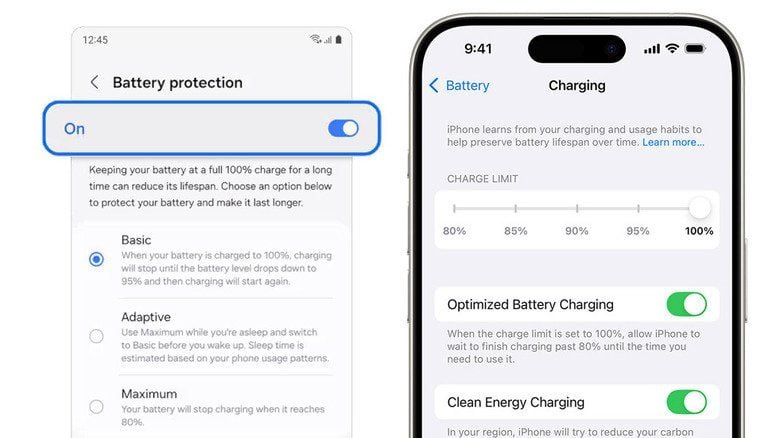
The built-in protection features are the easiest win. Apple’s Optimized Battery Charging learns your habits and can delay charging past 80 percent when it expects the phone to stay plugged in for a while. iPhone 15 and newer also let you set a custom charge limit anywhere between 80 and 100 percent. Samsung has Battery Protection, and Pixel phones have Charging Optimization, which includes Adaptive Charging and an 80 percent limit.
What to actually buy
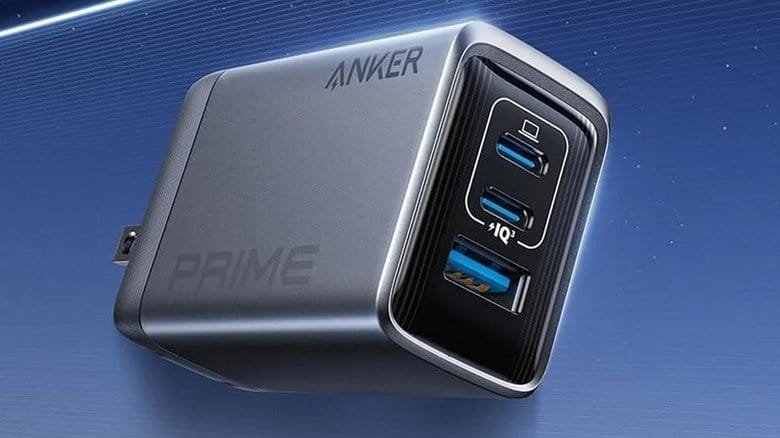
One charger, if you only want one: USB-C Power Delivery with PPS, rated for enough wattage to cover your most power-hungry device. It works with a wide range of modern phones and plenty of tablets and laptops.
It won’t unlock the maximum proprietary speed on every OnePlus, Oppo or Xiaomi phone. That’s the trade you’re making for a brick that charges everything you own reasonably well instead of one thing perfectly. The naming is a mess. The purchase is one line item.