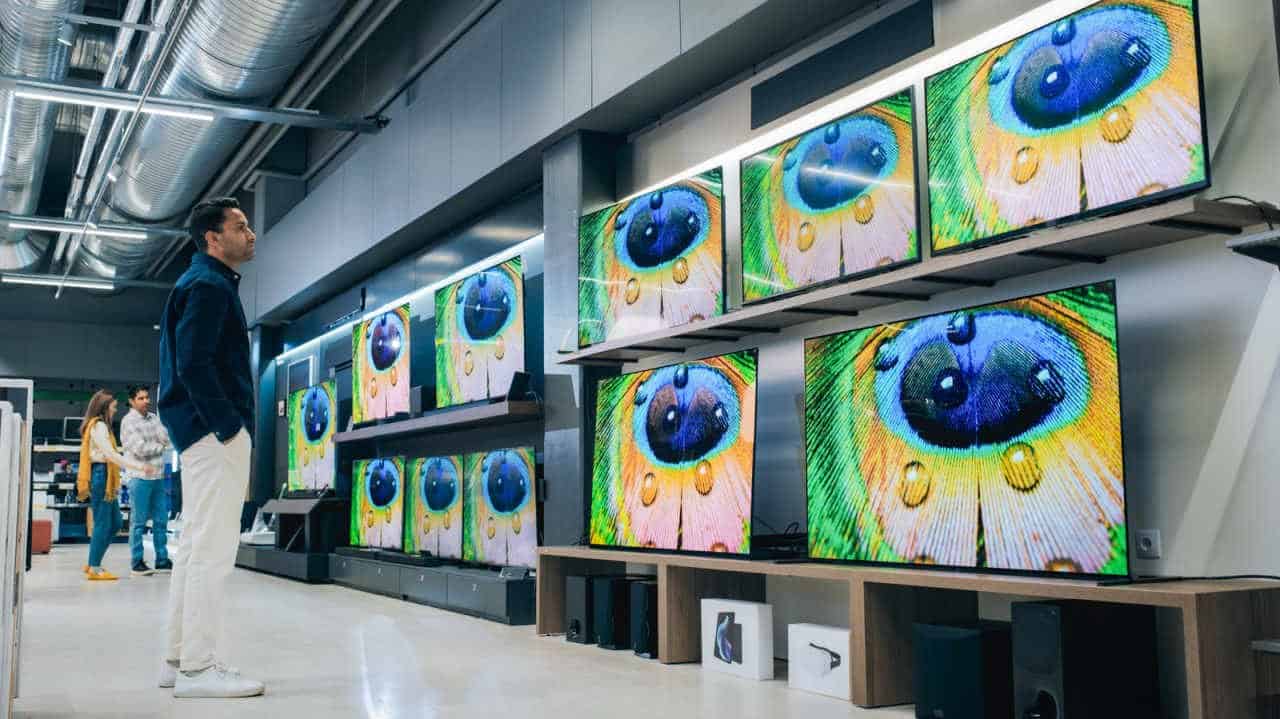

QHD and WQHD are the same thing. Same pixel count, same panel, different letter tacked on the front for the marketing copy. If you’ve been staring at two monitor listings trying to work out what the W buys you, the answer is nothing.
Both mean 2,560 x 1,440 pixels PIXEL $0.005098 ▼ -14.7%. QHD stands for Quad High Definition. WQHD stands for Wide Quad High Definition. You’ll also see that same resolution sold as 1440p or 2K, because display naming is an alphabet soup that manufacturers have no incentive to clean up.
That’s the shortcut through most of the confusion. Here’s the rest of it.
Where the W in WQHD came from
WQHD tends to show up on monitors and phones with a widescreen 16:9 aspect ratio. It’s a marketing label more than a technical one.
Some devices do run 2K at other shapes. The Samsung Galaxy Z Fold 8 uses a 2K resolution at 4:3. But 16:9 is the industry standard for widescreen 2K displays, and that’s what the W is gesturing at.
Go wider and the acronym grows again. Ultrawide 21:9 panels land you in UWQHD territory, which is 3,440 x 1,440.
Why 2K is the sane default for most people
A smartphone could ship a 4K display. Most people would notice the battery drain long before they noticed the extra pixels.
PC gaming is the clearer case. Running games at 4K is rarified air reserved for people who can afford a high-end graphics card. The better monitors at lower budgets are far more likely to sit next to a system that can hold a steady frame rate at 2K, which is why 1440p keeps winning on value.
Laptops tell the same story. Plenty of productivity and gaming machines still ship 1080p panels, with 2K as the upgrade. 4K laptops remain relatively rare despite being on the market for more than a decade, because the cost is prohibitive and the use cases are thin.

The 4K on your TV isn’t 4K
Once you climb past 2K, the acronyms mostly disappear. 4K gets sold as 4K, because the public already reads that label as “very high resolution.” Fine. But a lot of what gets accepted as 4K never touches 4,000 pixels on either axis.
Televisions are usually UHD 4K, which is 3,840 x 2,160. That’s also the resolution on 4K Blu-Ray discs. The name comes from it being four times the resolution of 1080p, not from the pixel width.
Actual 4K movies resolve at DCI 4K, the Digital Cinema Initiatives film industry standard of 4,096 x 2,160 pixels. That’s what’s likely running at your local theater. So the 4K in your living room is a slightly lower resolution than the professional and cinematic version.
High-end gaming PCs pair well with 4K displays, since the latest GPUs like the Nvidia GeForce RTX 5080 and 5090 can push high frame rates in UHD.

5K exists for editors, not gamers
There are two standard 5K resolutions. 5K UHD is 5,120 x 2,880 pixels, and 5K Ultrawide is 5,120 x 2,160. Others exist, the same way odd duckling resolutions hide under the 2K and 4K umbrellas, and you don’t need to track all of them.
The reason 5K matters is specific and practical. Editing photo or video on a 5K monitor lets you work on 4K content at full resolution while still having room onscreen for toolbars and the rest of the interface.
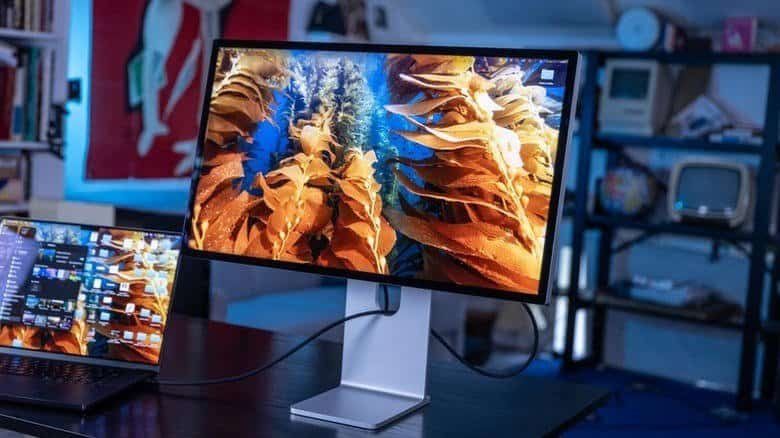
The prominent examples are the Apple Studio Display XDR, plus some Dell UltraSharp and LG FineGear models. All of them are aimed at creative professionals, not gamers, because gaming tops out at 4K for most high-end home builds.
A few 5K gaming monitors do exist, like the LG 5K2K UltraGear evo OLED. They’re far less common, and they can only run games at full 5K when paired with extreme top-end consumer graphics cards, which makes the whole setup prohibitively expensive for most people.
What to buy
Resolution just means how many pixels make up a display or a piece of media. Everything else is naming conventions layered on top, and they shift depending on whether you’re talking about cameras, displays or media.
If you’re shopping right now, treat QHD and WQHD as interchangeable and buy on panel quality and price instead. Save the 4K money for a TV, where UHD 3,840 x 2,160 is genuinely the standard, or for a GPU that can actually feed a 4K panel. And unless you’re editing 4K footage and need the screen space for toolbars, 5K is solving a problem you don’t have.