




























 George Tsagkarakis
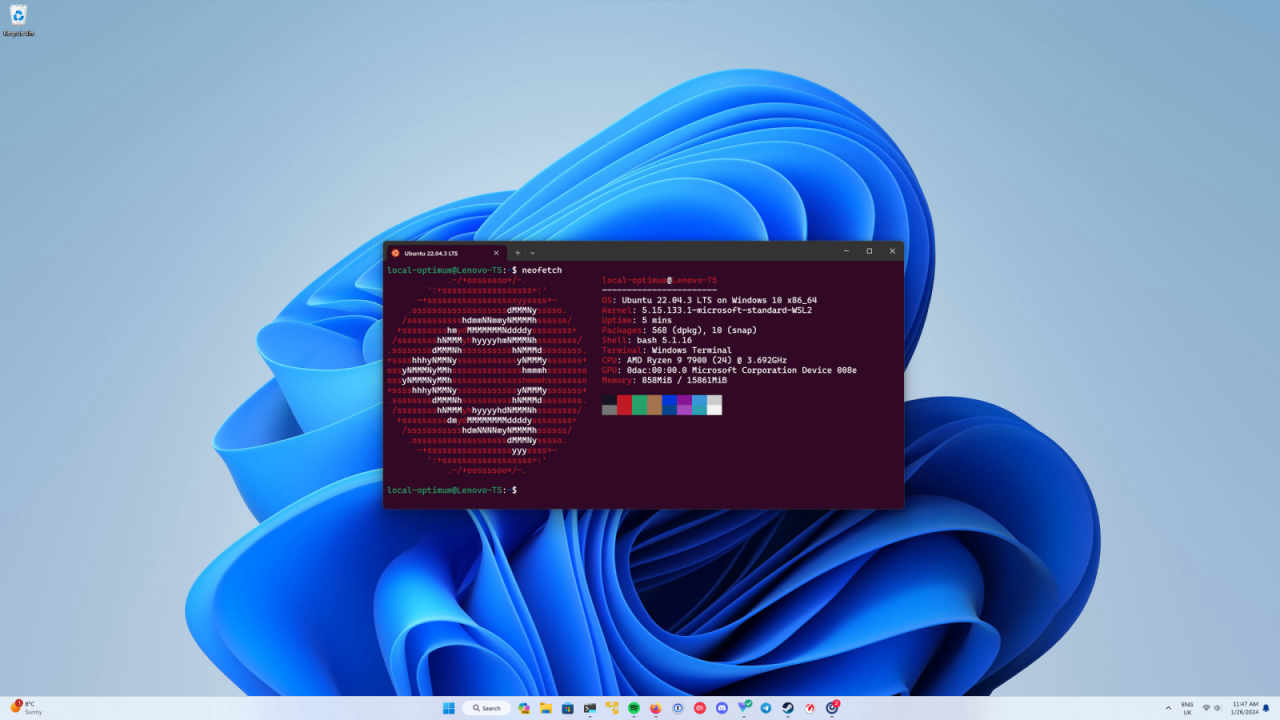
The Windows Subsystem for Linux 2 (WSL 2) runs a real Linux kernel inside a lightweight virtual machine on your Windows PC. You can run Linux apps and tools without dual-booting. Microsoft didn’t build it to replace desktop Linux. It built it so developers who have to work on Windows can still use the Linux-only open-source tools they need, all on one machine.
Why Microsoft built WSL
It’s easy to see WSL as a way for Windows users to get the useful parts of Linux and skip the rest. For some people that’s how it works out, but it was never the goal.
Microsoft’s original 2016 announcement made the purpose clear: WSL is first and foremost a developer tool. Developers on Windows needed access to open-source tools that only run on Linux. By bringing Ubuntu into Windows and connecting it to the rest of the system, Microsoft made it more practical for developers to keep Windows as their base.
The first version of WSL was nowhere near a replacement for desktop Linux:
- Disk I/O (how fast it reads and writes files) was slow.
- There was no graphical desktop environment and no graphical apps.
- It wasn’t part of Windows by default.
Who WSL is for
WSL was built for people who often have no choice about using Windows, because the company they work for runs on Windows and other Microsoft services.
If you’re a developer or open-source contributor who deploys software to a Linux server or a code repository, WSL lets you build that whole workflow on one computer.
It helps most if your employer gave you a Windows laptop and your IT department doesn’t let you dual-boot or replace the operating system. WSL gives you the Linux software and tools you need while you stay inside the Microsoft setup your organization pays for.
What changed with WSL 2
Microsoft’s 2019 announcement of WSL 2 dealt with nearly all the problems in the first version. Slow drive performance was one of the biggest, because it badly hurt compile times, and that matters a lot to developers.
WSL 2 was a fundamental change in design. It uses a real Linux kernel, which means apps like Docker can run on it.
It also works closely with VS Code. Microsoft’s VS Code documentation describes the WSL extension like this:
“The Visual Studio Code WSL extension lets you use the Windows Subsystem for Linux (WSL) as your full-time development environment right from VS Code. You can develop in a Linux-based environment, use Linux-specific toolchains and utilities, and run and debug your Linux-based applications all from the comfort of Windows.”
If you already use VS Code on Windows, that’s the clearest reason to try WSL.
Running Linux and Windows graphical apps side by side on one desktop is a big productivity gain. Still, it isn’t the same as having a full Linux desktop.
What WSL containers add
In September 2026, Microsoft announced that WSL containers would be widely available:
“WSL is central to our commitment to making Windows the best place to build, run and manage Linux workloads. As AI, cloud-native development, containers, and open-source ecosystems continue to converge on Linux, more developers are choosing to perform these workloads directly on Windows devices. We’re continuing our journey towards this goal with a new feature in WSL: WSL containers . . .”
This ties Windows and Linux even closer together. Native Windows apps can now work with Linux in ways that weren’t possible before WSL.
Why Microsoft supports Linux at all
It’s tempting to think Microsoft and Linux are enemies. But Microsoft’s own data centers run Linux on at least some of their servers, and Windows today includes open-source components. Former CEO Steve Ballmer once famously called Linux a “cancer,” and in 2016 he said he now “loves it.”
There’s a business reason too. WSL keeps developers from leaving for full Linux. It also lets businesses that pay Microsoft millions every month stay on Windows and still get the benefits of Linux.
None of this makes WSL a threat to Linux. For the right kind of user it gives you some of both systems, and if you have a Windows computer, it’s easy to try for yourself.
Frequently asked questions
Is WSL meant to replace Linux?
No. Microsoft built WSL as a developer tool so people working on Windows can use Linux-only open-source tools. Running Linux graphical apps on your Windows desktop isn’t the same as having a full Linux desktop.
What’s the difference between WSL and WSL 2?
WSL 2 runs a real Linux kernel in a lightweight virtual machine. It fixed most of the first version’s problems, including slow drive performance, and it can run apps like Docker.
Does WSL work with VS Code?
Yes. The VS Code WSL extension lets you use WSL as your full-time development environment, so you can build, run and debug Linux-based apps from inside VS Code on Windows.
What are WSL containers?
Microsoft announced them as widely available in September 2026, as part of its plan to make Windows a place to build, run and manage Linux workloads. They let native Windows apps work more closely with Linux.