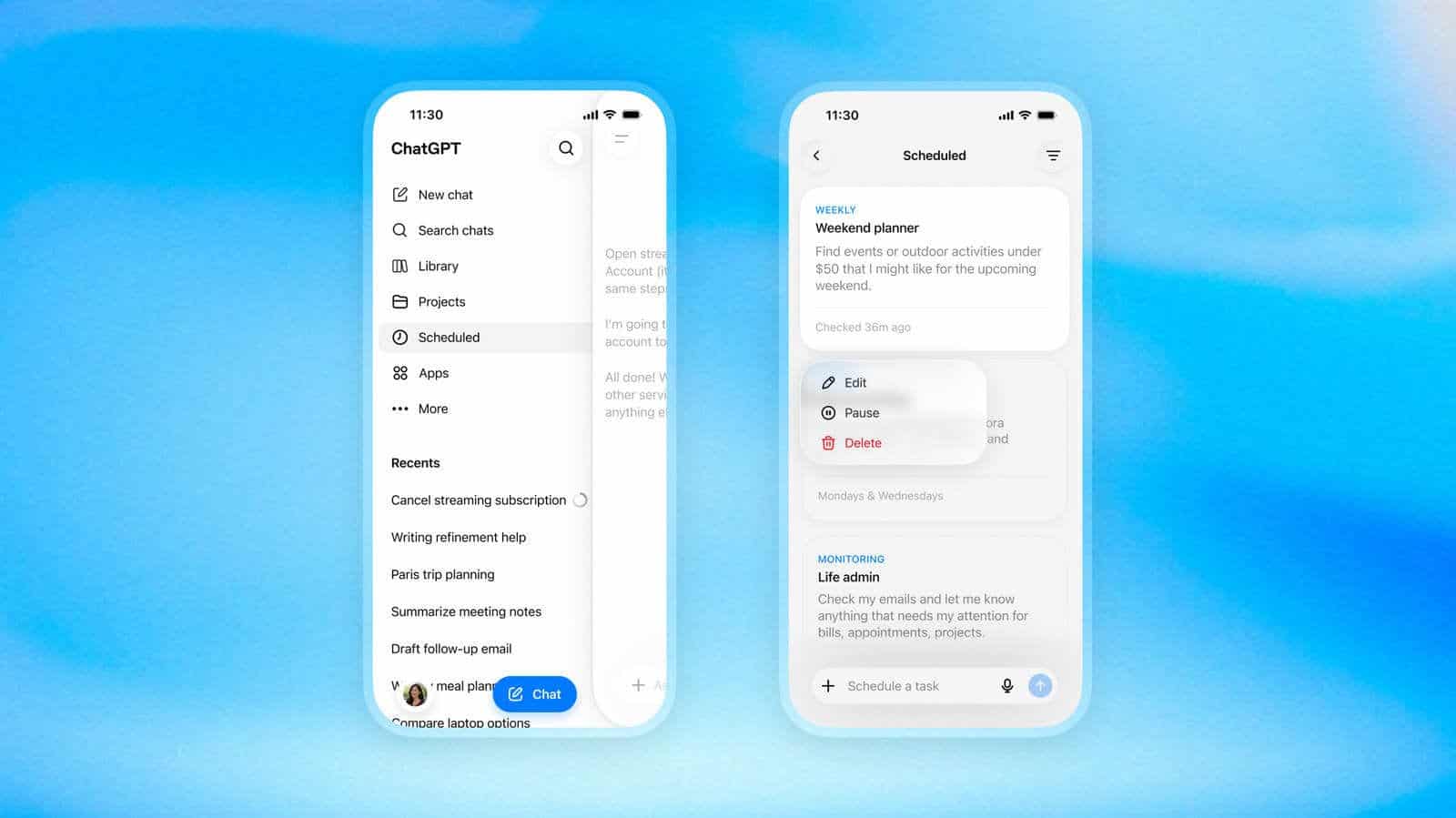

In June, OpenAI gave ChatGPT’s prompt scheduling a dedicated section in the sidebar, mostly to advertise that the feature existed at all. If you were on a free account, you couldn’t see it.
That’s changed. The scheduling menu is now open to free users, along with the improvements that shipped alongside the June hub: easier tracking and editing of the requests you’ve queued up.
The June rollout covered Plus, Pro, Business and Enterprise customers only. Free accounts got nothing. So the interesting part of this update isn’t the feature, which has been around for a while, but who’s allowed to touch it.
You can hand your schedules to other people now
OpenAI also added sharing for scheduled tasks. Come up with a clever recurring prompt and you can pass it along instead of describing it to someone in a chat window and hoping they rebuild it correctly.
That’s a small thing on paper. In practice it’s how features like this spread, because the hardest part of automation isn’t setting it up, it’s thinking of something worth automating in the first place.
The genuinely new capability is still behind the paywall
Paid subscribers get something free users don’t: triggers. You can configure ChatGPT to fire a prompt when things happen in Gmail, Slack and GitHub, rather than on a clock. OpenAI is rolling that out to Plus, Pro, Business and Enterprise users starting today.
Time-based scheduling and event-based triggering are different products wearing the same coat. One runs at 7 a.m. whether or not anything happened. The other waits for a commit, a message or an email.
The split is a reasonable place to draw the line, and it makes the free tier feel less like a demo than it did in June.
What to actually queue up
OpenAI’s own suggestions are modest: travel alerts tied to an upcoming trip, or a notification when new movies and shows land on the streaming services you use. A morning summary of the day’s headlines from your preferred news site works too, though you’ll want to click through and read the links rather than trusting a summary of a summary.
My advice if you’re on a free account: pick one recurring thing you already forget to check, schedule it, and leave it alone for a week. If you’re still reading the output on day seven, that’s when the trigger features are worth paying attention to.