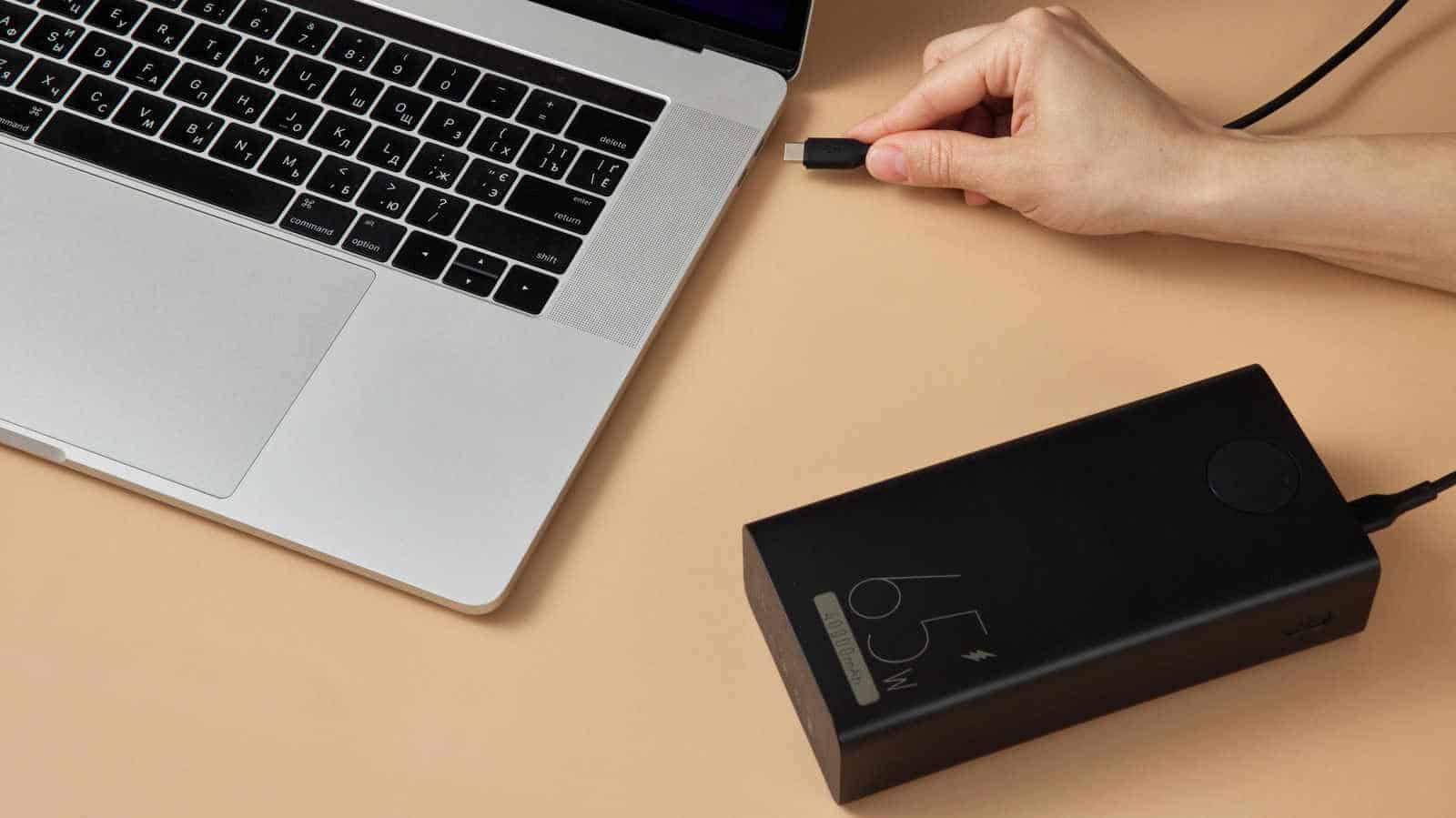

A 10,000 mAh power bank sounds like a lot of battery. Hook it to a 16-inch MacBook Pro and it won’t come close to one full charge.
The mAh figure printed on the box isn’t a useful way to judge a laptop power bank. Two numbers matter more: watt-hours (Wh), which tells you how much energy the bank holds, and watts (W), which tells you how fast it can deliver that energy. Most decent power banks can add a little runtime to a laptop. A proper laptop bank holds enough energy and charges faster than the laptop drains.
Convert mAh to watt-hours first
Manufacturers list capacity in milliamp-hours. That’s fine for comparing one phone bank against another. For a power-hungry device like a laptop, you need energy in watt-hours, which means multiplying by voltage.
Most power banks store energy in lithium-ion cells at about 3.7 volts (V). Watts equal volts times amps, and 1,000 mAh is one amp, so divide the mAh number by 1,000 first. A 10,000 mAh bank works out to roughly 37Wh (3.7V x 10Ah) before any conversion loss. If the voltage stays the same, doubling the mAh doubles the Wh, so a 20,000 mAh bank holds about 74Wh.
Now compare that to the laptop. Apple’s current MacBooks have batteries rated from ~37Wh (MacBook Neo) up to 100Wh (16-inch MacBook Pro). In most cases a 10,000 mAh (37Wh) bank won’t even top up a MacBook once. And capacity tells you nothing about how fast the charge happens.
Do the math on your own laptop
The manufacturer’s website should list your laptop’s battery capacity in Wh. Without a wattmeter it’s hard to know your average power draw, but you can estimate it by dividing that capacity by how many hours the battery lasts. A 70Wh battery that lasts five hours averages 14W. Actual draw changes constantly with what you’re doing: scrolling a PDF uses far less power than rendering video.
Charging also wastes energy. Fast-charging standards like USB Power Delivery make the bank raise its voltage so it can push enough watts to keep up with the laptop. Some energy is lost in that step and more is lost as heat. A 20 percent efficiency loss is a common rule of thumb for normal charging. For fast charging, around 30 percent (or even higher) is more realistic.
Here’s how it works out. Say you connect a 20,000 mAh 45W USB-C bank to that 14W laptop. Take 30 percent off the 74Wh for overhead and you’re left with ~52Wh of usable energy. That should add roughly 3.7 hours of runtime. If the laptop ever needs more than the bank’s 45W, it pulls the difference from its own battery. At that point the bank is only supplementing the internal battery and stretching it out.
Capacity and output aren’t the same thing
This is where people get burned. A 50,000 mAh bank holds plenty of energy, but that number says nothing about how much power it can push. A high-capacity bank rated at 15W will only slow the laptop’s drain, or the laptop may refuse it entirely.
The label to look for is “USB-C PD.” It means the bank and the laptop can agree on a higher charging level than an ordinary USB port provides.
Check the per-port output too, because the total output figure can mislead you. A bank that says “100W total” might not reach 100W on any single port. It may also deliver less than 100W once you’re charging a phone and a laptop at the same time.
The size that makes sense for most people
A 20,000 mAh/74Wh bank works as an emergency or partial-charge option. A 27,000 mAh/100Wh bank is closer to the sweet spot. It also lines up with a hard limit: in the US, 100Wh is the maximum for power banks allowed on a plane without approval.
Plugged in and still draining
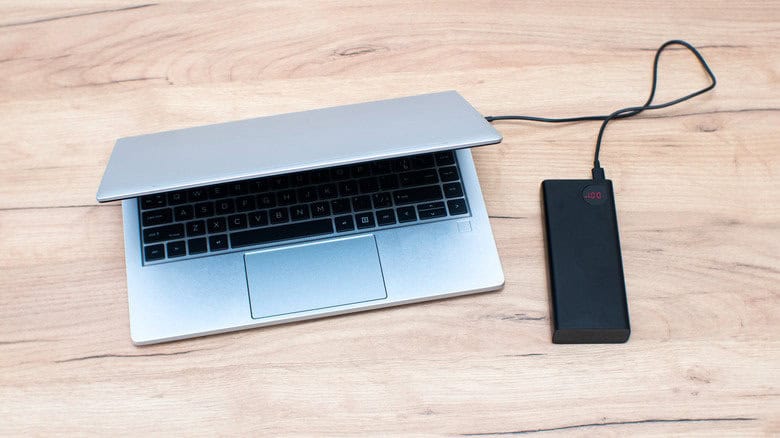
If your laptop’s battery keeps dropping while it’s connected to a bank, the bank may simply be too weak. It’s supplying power, just slower than the laptop is using it. Plugging into a car’s USB port produces the same result. There are a few other possible causes, and they’re worth checking in order.
Start with the laptop itself. Not every USB-C port accepts power. Some handle only data, video or accessories. If the ports aren’t marked, check the manual or look up the product specs online.
Next, look at the bank’s USB-C Power Delivery rating per port. A basic 15W USB-C output can charge a phone, but it won’t make a dent in a laptop drawing 65W+. When the bank’s output falls short, the laptop will either reject it or charge only under light use after warning you about a “slow charge.”
Then check the cable. Not every USB-C cable is rated for high wattage. A standard USB-C cable generally supports up to 3 amps, while 100W and Extended Power Range connections need a 5-amp-rated cable. USB PD 3.1 can provide up to 240W, but only when the laptop, the bank and the cable all support that power level.
If everything is compliant, USB-C PD devices will agree on a compatible voltage and current by themselves. That handshake can’t make up for bad hardware, though. Skip damaged cables and throw out the old ones sitting in the cardboard box in your closet. They weren’t built for the power today’s laptops draw.