Tag
Task Manager
5articles
 PC Gaming
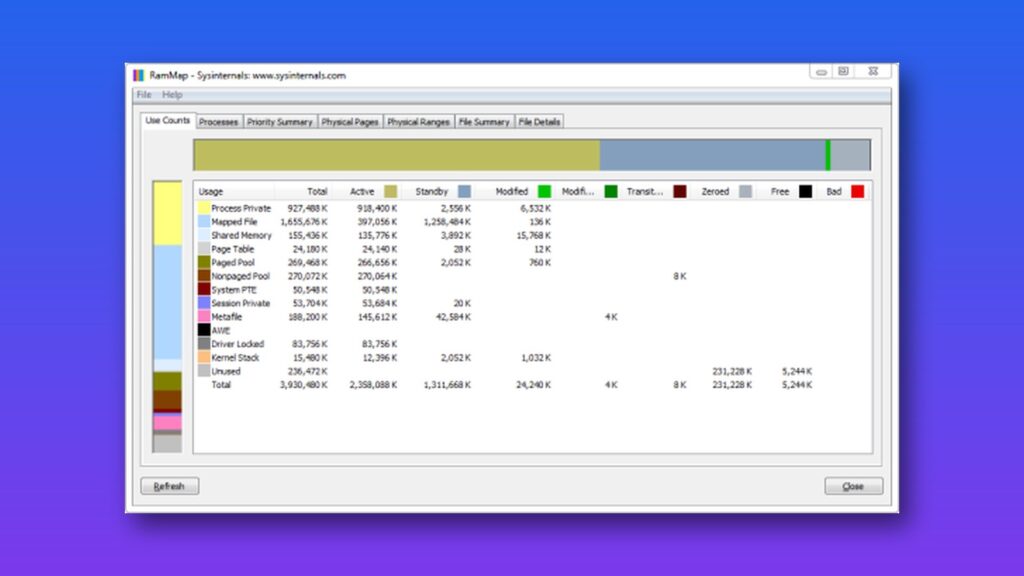
How to check what’s filling your Windows RAM with RAMMap
If Task Manager shows your RAM at 91% or higher, your PC may not be running out of memory. RAMMap, a free Microsoft tool from the Sysinternals suite,… George Tsagkarakis4 min read
 Technology Guides
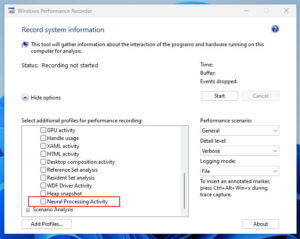
How to use Windows Performance Toolkit to trace a slow startup
If your Windows PC still feels busy long after the login screen, a startup apps list or Autoruns won’t show you why. Microsoft’s free Windows Performance Toolkit can… Technology Guides
How to clean up and speed up your Windows PC in 10 minutes
A slow, cluttered Windows PC usually comes down to a few things you can fix quickly: too many apps launching at startup, a nearly full system drive, power…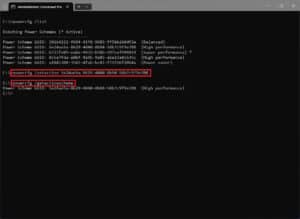 Technology Guides
How to run powercfg /energy to find Windows battery drain
If your Windows laptop’s battery is draining faster than usual and Task Manager shows nothing obvious, run powercfg /energy. The command watches your system for 60 seconds while… PC Gaming