
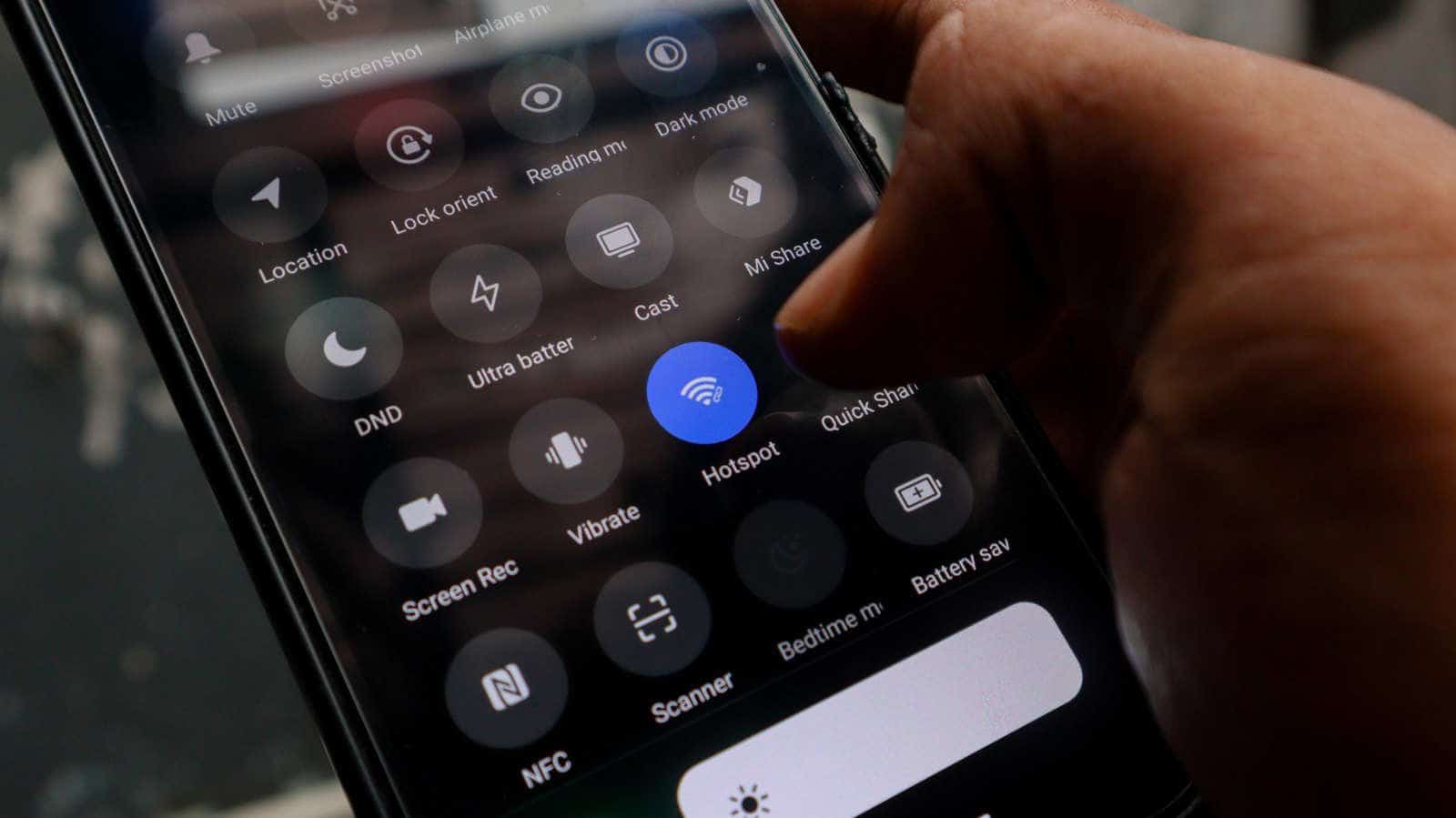

That $50 Wi-Fi extender you’re about to buy has a free competitor sitting in your junk drawer. It’s the Android phone you stopped using two upgrades ago, and it can rebroadcast your home network into the dead zone in your back bedroom in about five minutes.
It won’t beat the $50 box. That’s the honest version of this story. But zero dollars buys a lot of patience for a problem you’ve been ignoring anyway.
What’s really happening when you do this
Your old phone connects to your existing home Wi-Fi, then rebroadcasts that connection as a separate hotspot. Laptops, tablets and smart TVs join the hotspot instead of the router. The phone picks up the signal and passes it along.
Call it a relay. It isn’t a mesh system and it won’t behave like one. What it is: a free, low-effort patch for a weak coverage area, using hardware you already own.
No apps to install. No extra hardware. Android's built-in hotspot does the whole job.
The setup takes minutes
Start with the phone charged and updated. Then open Settings and go to Network & Internet > Internet. Pick your home Wi-Fi network and enter the password.
Next, head to Settings > Hotspot and Tethering and toggle on Wi-Fi Hotspot. The Hotspot icon also lives in the drop-down menu if you’d rather get there faster.
Tap the Wi-Fi hotspot to rename the network and set a strong password. Name it something you’ll recognize at a glance, because you’re going to be switching to it manually.
Pick 5GHz only if the dead zone is close
If your phone supports it, you can select 5GHz under the speed or band settings. Nearby devices get better performance out of it. The range is shorter than 2.4GHz, so this is a trade, not an upgrade.
Placement matters more than the band. Put the phone roughly halfway between your router and the dead zone, and put it near an outlet.
That last part isn’t optional. Old phones already have questionable battery life, and running a hotspot continuously drains them fast.
Where this falls apart
The phone extends your existing Wi-Fi. It does not boost your internet speed, at all. Slow internet stays slow, now with an extra hop in the middle.
Any commercial Wi-Fi extender or mesh node will outperform this. That’s not a close call.
And there’s no smart home integration here. Dedicated extenders often support smart home platforms and roaming between access points. An Android hotspot creates a separate network, so some smart home devices may not connect to it reliably, and you’ll be switching networks by hand as you walk around the house.
Buy the hardware or not
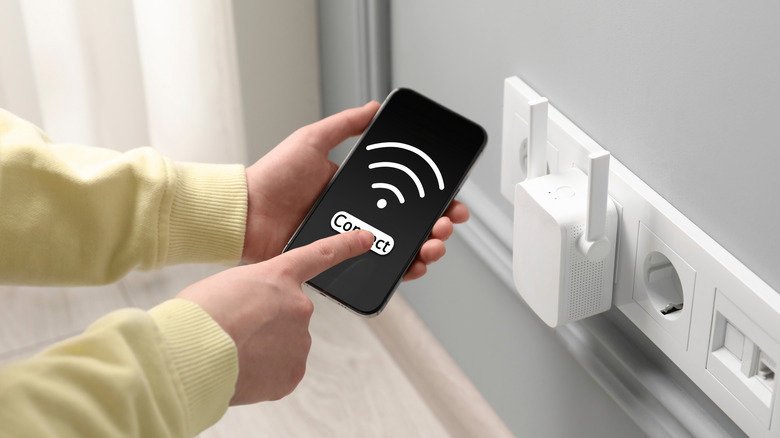
Upgrading to a mesh system or buying a new router gets expensive quickly. A Wi-Fi extender runs about $50 depending on model. Those all deliver better range and performance than a phone will.
The Android route costs nothing, which makes it the right call for one problem area, or as a stopgap while you decide whether your network is worth real money. There’s also a USB tethering alternative if you want a more stable connection.
Worth doing first: check how your router’s antennas are positioned. There’s a right way, and it’s free too.
Pull the phone out of the drawer, charge it, run the updates and spend five minutes on the hotspot settings. If the dead zone clears up, you’ve kept a device out of the recycling bin and skipped a purchase. If it doesn’t, you’ve learned something for $0 and you can go buy the extender knowing exactly what you need it to fix.


