
A Wi-Fi extender can’t turn a weak signal into a strong one. That single limitation explains why the cheapest fix for a dead zone is so often the wrong one.
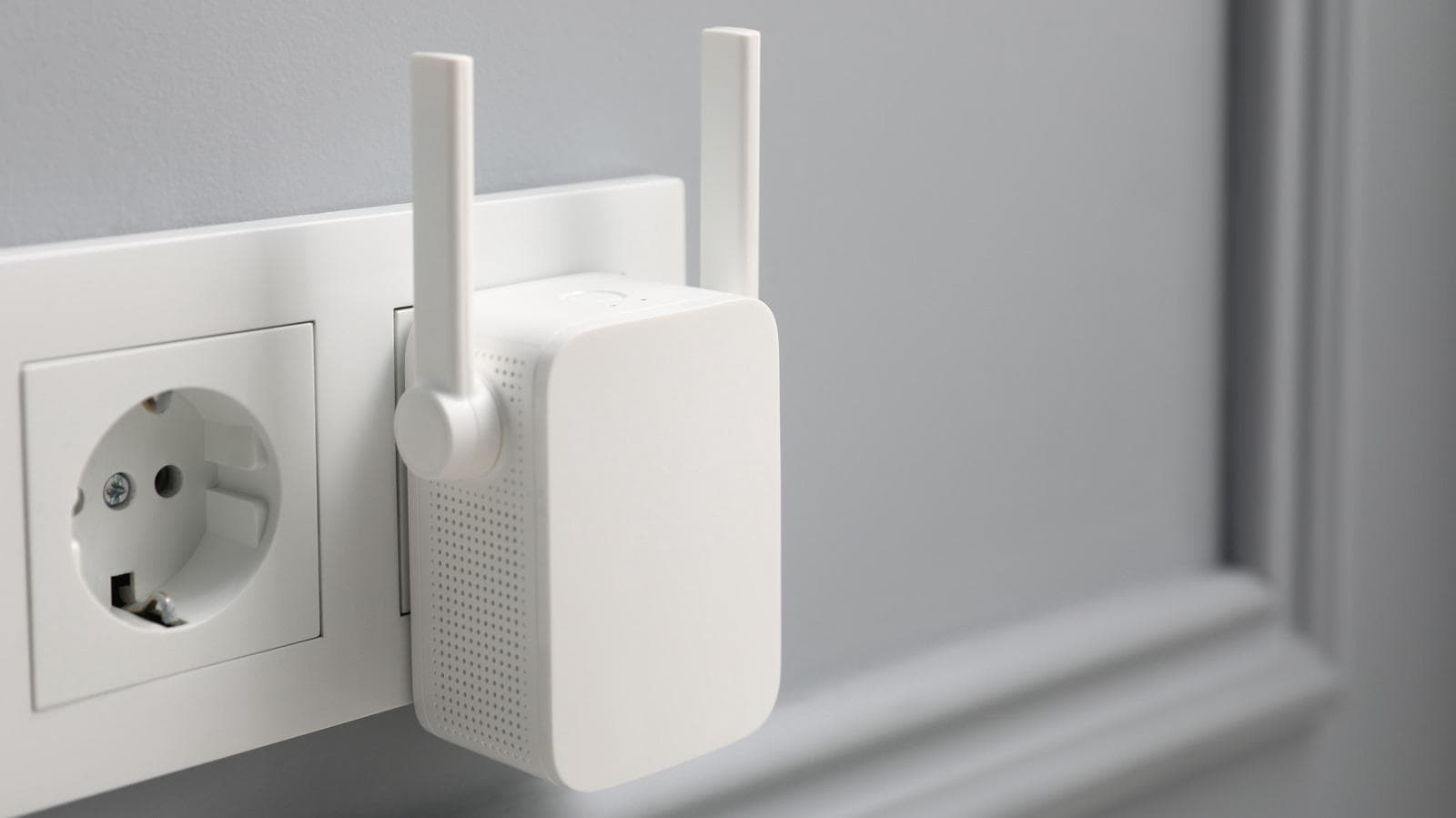
Extenders are everywhere, and they’re easy to set up. You plug one into an outlet, pair it with your router and hope the bedroom at the end of the hall finally loads a video. Sometimes it works. Often it doesn’t, or it works worse than you expected, and the reasons are baked into how these little boxes operate.
The speed tax nobody mentions on the box
Every extender trades speed for distance. Even the top-rated range extenders do it.
Many basic models use the same band to receive and transmit. Because the extender can’t take in data from the router while it’s sending that data to your laptop, its speed can drop by up to half. That happens before walls or interference weaken the link any further.
Models with separate bands can work both ways at once. They still struggle to get anywhere near the speeds of the router itself. Throughput can plummet before the signal has even met its first obstacle.
Placement is a game you’ll probably lose
Where you put an extender decides whether it helps at all. The sweet spot is usually halfway between the router and the room you want to fix. That’s a compromise by design, and finding the right compromise isn’t easy in every home. So most people take what they can get.
The worst place to put one is inside the dead zone itself. An extender can only repeat what it receives. If it’s getting 40 percent signal strength from your router, a 100 percent connection between your phone and the extender is still pretty weak.
Their small size gives extenders some flexibility. But Wi-Fi hates almost everything except clean, open air. Keep them away from TVs, cabinets and mirrors, and above all away from metal objects or surfaces.
Line of sight to the router is ideal. Say your router sits in the living room and you can see the hallway from it. A hallway outlet lets the extender cover some of the adjacent rooms, especially the ones directly across. If your only free socket is behind the fridge or on the far side of a thick wall, don’t bother.
Check the router you already own first
Before you spend anything, look at your router. Many newer routers are far more capable than people realize. I don’t mean the lousy one your ISP hands you by default.
Move it as close to the center of your home as you can. Get it out of any cabinet or enclosure that blocks signals. Even the angle of the antennas can make a difference.
If your router is old, upgrading it will likely do more than any extender. And if it’s fairly new and your home isn’t especially large, a capable standalone router can cover the place on its own if you’re smart about where it goes.
Mesh does what extenders promise
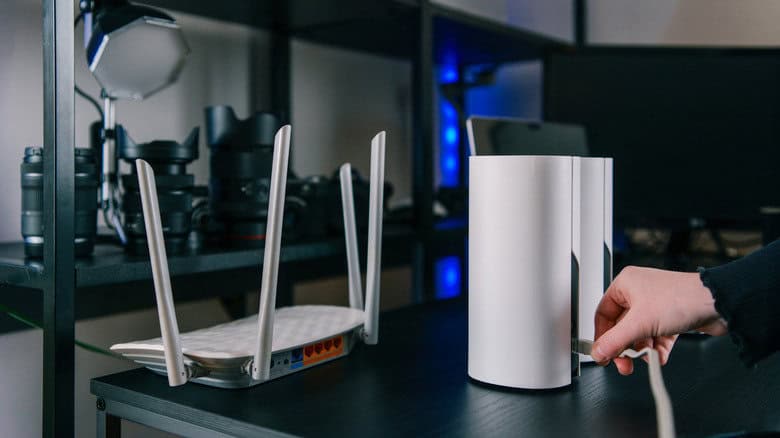
Thick walls, concrete or a Wi-Fi-less office out back are the cases where a good mesh system earns its place. A basic setup pairs a strategically placed router with a few satellite nodes spread through the house.
That sounds like a house full of extenders. The difference is in how they behave together.
A mesh network runs under a single network name, or SSID, so your devices automatically hop to the strongest node as you walk around. Give an extender the same SSID as your router and your devices often bounce back and forth between the two. Give it a different name and you’re stuck switching networks by hand every time you change rooms.
Mesh still has its own weak spots
Mesh isn’t magic. The nodes need a solid link to one another, and wireless backhaul can cut speeds.
Cheaper mesh kits often carry the same half-throughput problem as extenders, using one wireless band both to send and receive. Tri-band systems fix that by reserving a separate band purely for backhaul.
Running Ethernet between nodes, where it’s practical and doesn’t wreck the look of your home, is a common way to boost capacity and speed. An outdoor office should get an Ethernet run if at all possible. Failing that, set up the nodes with line of sight through windows.
When an extender still makes sense
There’s a narrow case where an extender is fine. One small room, fairly close to the router, with a good outlet to plug into. That earns a solid “maybe.”
Several rooms or a backyard office is a different story, and an extender may not cut it. Whole-home coverage that holds together is hard to pull off with them.
Some extenders can switch to access point mode if you run Ethernet to them. But if you’re already pulling cable, you’ve done the hard part, and a mesh node or a better router will make better use of it than a box designed to repeat a signal it can barely hear.