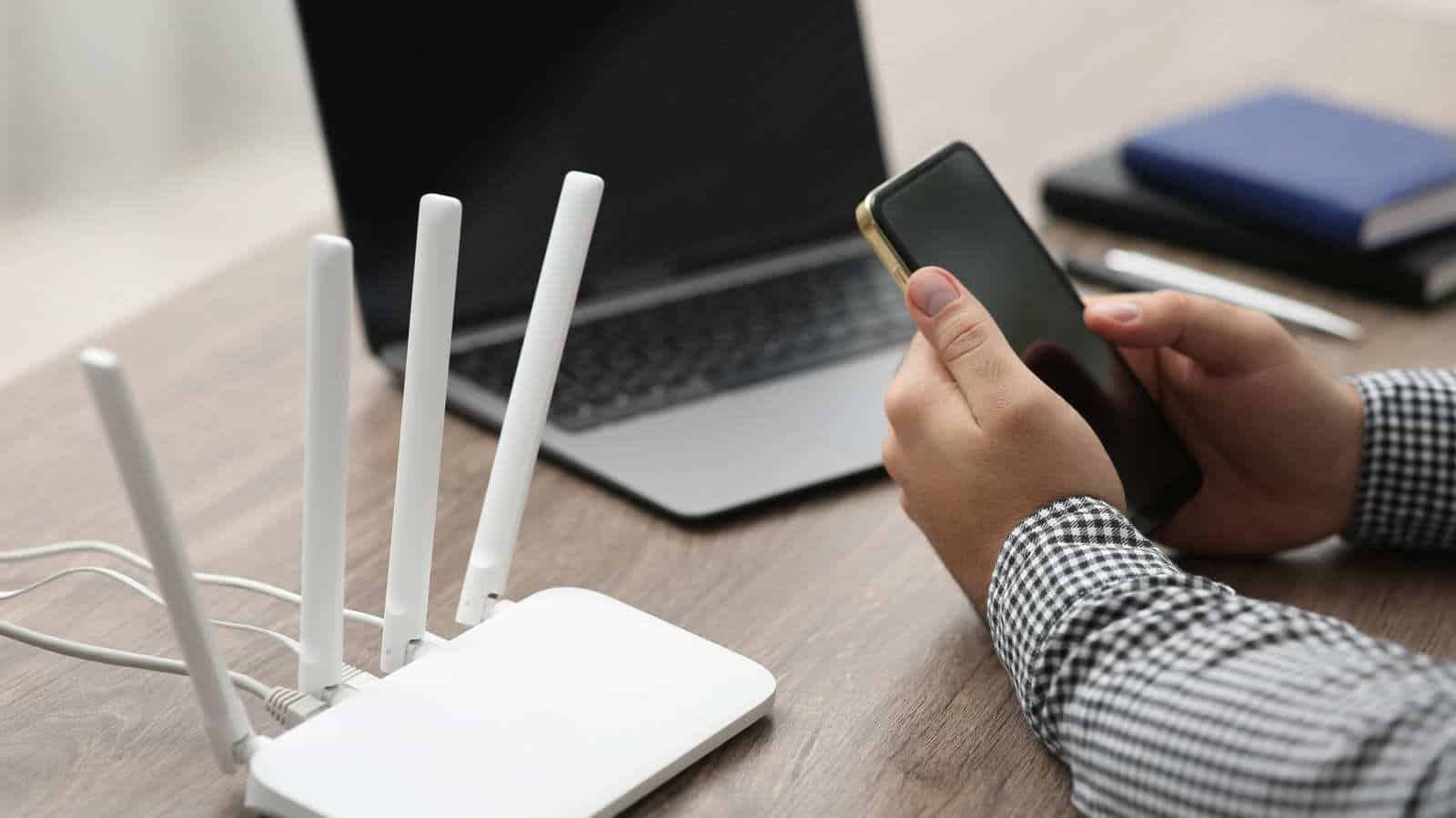

Your Bluetooth headset probably isn’t the reason your video call keeps freezing. In most homes, Wi-Fi and Bluetooth barely touch each other anymore, and the fix people reach for first is the one least likely to help.
That doesn’t mean the two never collide. It means the collision happens in one specific place, on one specific band, and you can usually route around it without powering anything down.
Where the overlap actually lives
Bluetooth can interfere with your Wi-Fi network, but only on the 2.4 GHz band. Bluetooth connections between devices run at that frequency, which is also the default for smart home protocols like Zigbee and Thread. Microwaves sit on the same band.
So when a smart thermostat, a fridge and a home security system are all competing for the same real estate, Bluetooth traffic adds to the pile. The latency and packet loss that follow hit the things you notice most: gaming sessions and video calls.
There’s a reason all that hardware lives down there. The 2.4 GHz band pushes through thick walls better and holds up at longer distances, at the cost of speed. Newer devices also use Wi-Fi coexistence logic so they can operate at the same time without dragging each other down.
Your phone probably isn’t even on that band
Most smartphones, laptops, TVs and other modern client devices connect over 5 GHz or 6 GHz from a dual-band or tri-band router. The only reason one of them drops to the slower band is if something physical, usually a wall, blocks the faster ones.
Which is the crux of it. If your gear isn’t sharing a band with your Bluetooth devices, turning those devices off buys you nothing.
What to try before you buy anything
A new router or a mesh system looks like the fast answer, and the AI boom has pushed hardware prices up enough that it’s worth exhausting the free options first.
Start with channels. Most routers pick them automatically within a band, and a Wi-Fi analyzer app like Network Scanner will show you which ones are actually clear. On 2.4 GHz, channels 1, 6 and 11 carry the least interference.
Shielded cables near your router and your main workstation cut electromagnetic interference. Spreading your devices further apart frees up bandwidth for whatever sits closest to the router.
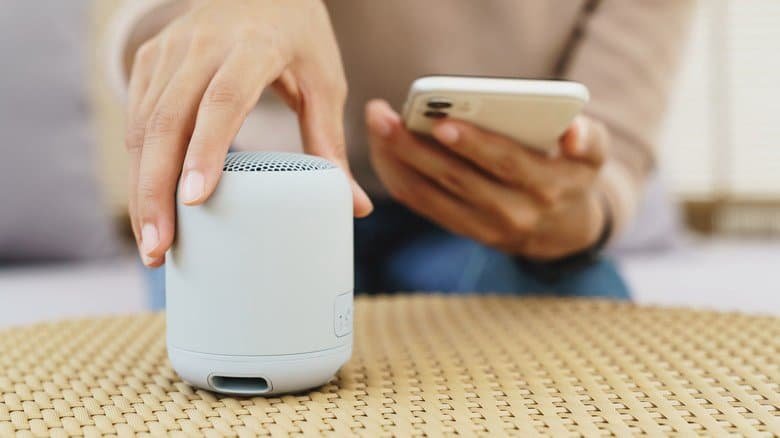
Your building matters more than your headphones
Congestion is local. In a dense apartment block or a shared office, your neighbor’s devices land on your network whether you like it or not.
Concrete walls are the other offender, carving out dead zones that gut signal strength. That’s what Wi-Fi extenders and mesh networks are for, and they’re far more likely to fix real congestion than unpairing your headset.
If your 4K gaming or Netflix streaming is stuttering, work through the channel scan, the cable shielding and the device spacing before you touch a single Bluetooth toggle. In most homes, Bluetooth stopped being the problem a while ago.