 George Tsagkarakis
Your phone loses about 10 to 15 percent of its battery every hour you drive with wireless Android Auto running. That’s the number nobody puts on the box, and it’s the one that decides whether this feature works for you.
Everything else about it does what it claims. Get in the car, the phone pairs on its own, Maps loads, the playlist starts. No cable snaking across the console.
But the convenience is paid for somewhere, and it’s paid for in heat and charge.
It’s two radios, not one
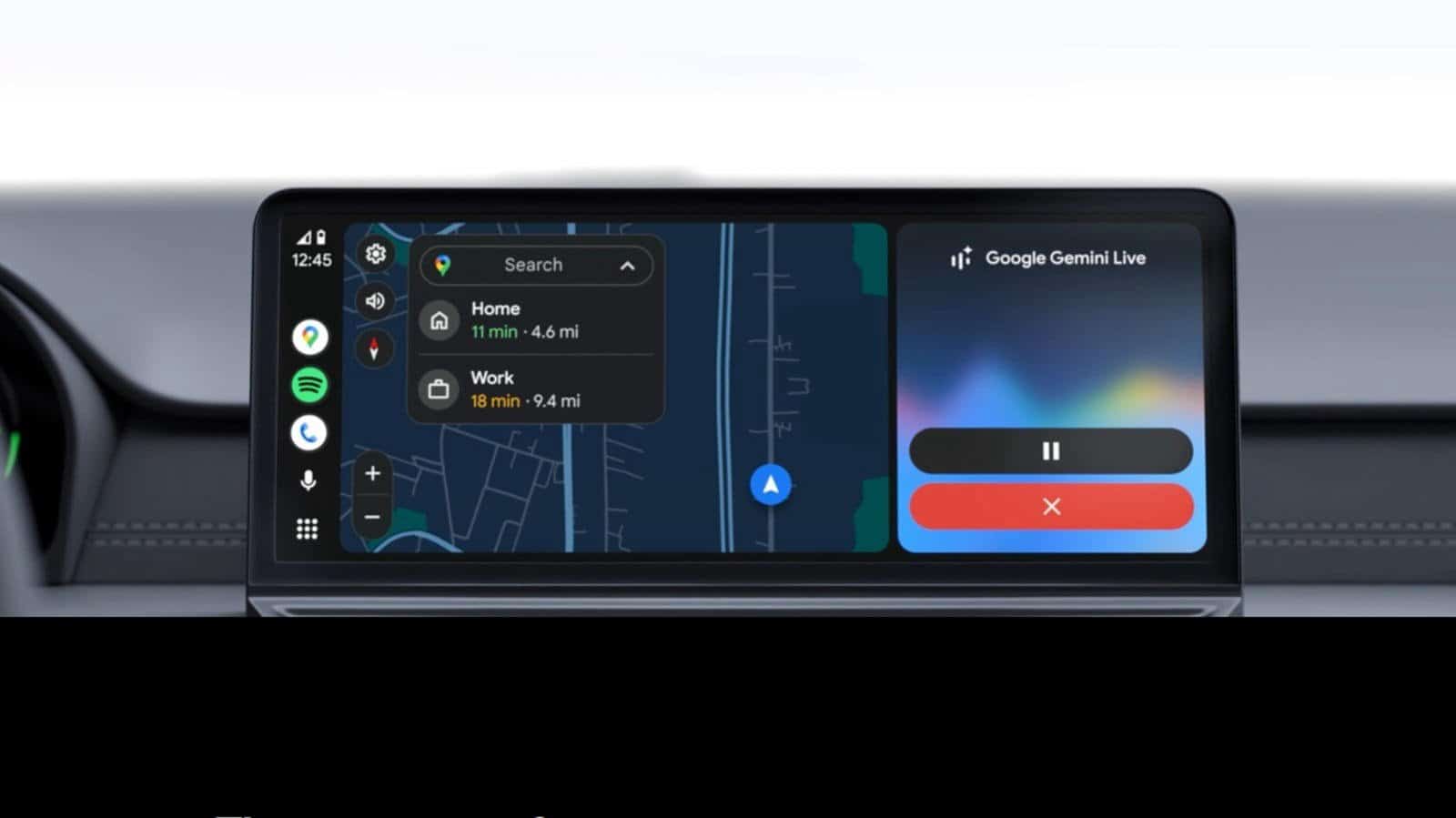
Wireless Android Auto runs on Bluetooth and Wi-Fi at the same time. Bluetooth does the handshake when you start the car, authenticating your phone and setting up credentials.
Then the connection moves to a Wi-Fi Direct network, which carries the heavy part: Maps, audio, touch input, voice commands.
Both stay up for the whole drive. Bluetooth keeps hands-free calling, Wi-Fi handles the rest of the data load. Turn either off and the connection drops.
You need Android 11 or later and 5GHz Wi-Fi Direct support on the phone. Newer cars support wireless natively. Older ones may need an Android Auto wireless adapter in the existing USB port, and sometimes you’ll have to switch the wireless option on in the Android Auto developer menu if it isn’t already.
The battery math on a long drive
A continuous Wi-Fi connection, plus Bluetooth, plus active GPS is a lot to ask of a phone. That’s where the 10 to 15 percent per hour comes from, and on a three-hour trip it’s the difference between arriving with a usable phone and arriving hunting for a charger.
Heat is the other half. Heavy users will notice the phone warming up fast with wireless Android Auto running, especially with navigation going the whole time.
Add summer temperatures inside a parked-then-driven car and you can push the phone to the point where it shuts itself down to protect the hardware. Older phones show it first: sluggish map rendering, music cutting out at random.
Wired still wins on the boring stuff
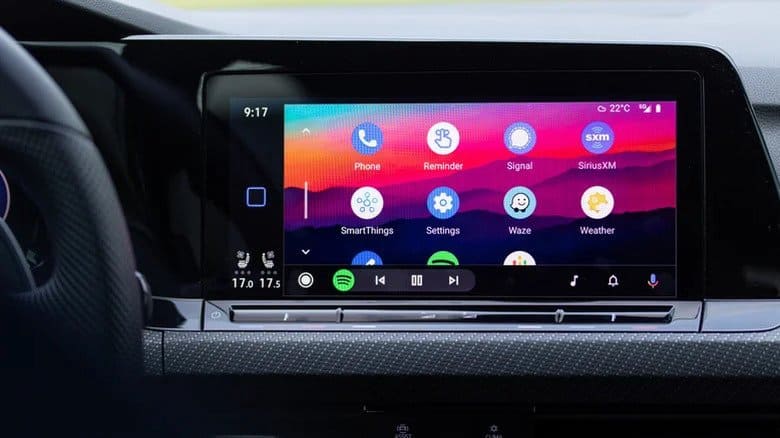
A USB cable gives you a stable link, minimal latency on media and a steady charge. That’s not exciting. It’s just reliable.
Wireless setups can hit slight delays in responsiveness and the occasional random disconnect. Convenience is the whole pitch, and the pitch is honest, but reliability isn’t part of it.
What you actually gain
After the one-time Bluetooth pairing, the phone connects itself every time. You’re not digging the phone out of a bag, finding the port and plugging in before you can pull out of the driveway.
Multiple drivers in one car? The system remembers every paired phone. When several devices try to connect at once, whoever isn’t driving can just turn off Bluetooth, because as anyone who’s watched “Supernatural” knows, the “driver picks the music, shotgun shuts his cakehole.”
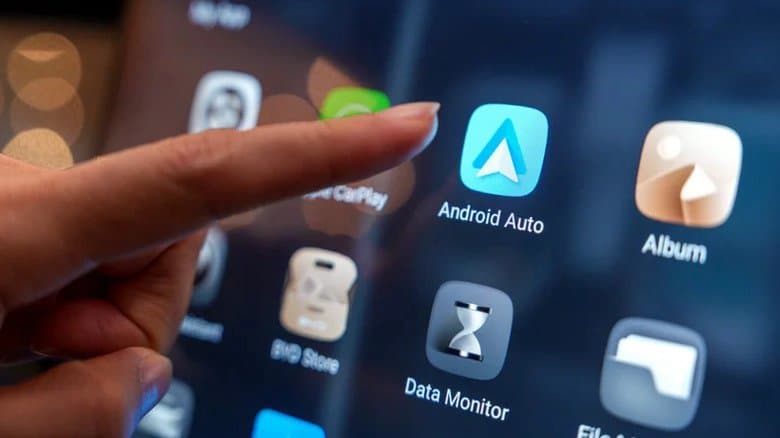
The console stays clean, too. No cable looping around the gear shift or catching under the seat as you slide it back. And you get a USB port back for earbuds, a smartwatch or a passenger’s phone.
Where the line falls
For a daily commute, wireless is worth it. The automatic connection and the missing cable improve the drive immediately, and a 20-minute run to the office never gets far enough into the battery curve to matter.
For long drives with navigation running the entire way, plug in. Heat buildup and battery drain both stack with time, and wired is the more battery-efficient option by a wide margin.
Keep a cable in the glovebox and decide by trip length. That’s the whole calculation.