

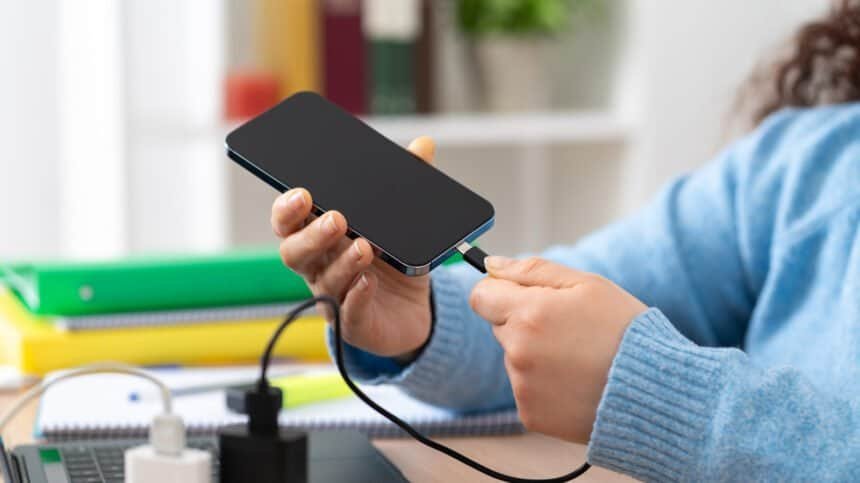
Charge your phone while gaming on it, unplug after an hour and check the percentage. There’s a decent chance it barely moved. That isn’t a broken cable or a dying battery. That’s bypass charging doing exactly what it was built to do.
I keep a cable next to my living room couch so I can top up while I scroll social media and watch TV. I carry a variety of portable power banks, wired and wireless, so I can keep the phone fed while I keep using it. The question that follows people around: does any of this shorten the battery’s life?
No. It doesn’t.

Your phone may charge more slowly if you don’t leave it alone, but using it while it’s plugged in won’t hurt battery life in general. Bypass charging and heat dissipation technology are doing most of that work.
What bypass charging is doing behind the scenes
Plug in and keep using the phone, and it redirects incoming power from refilling the cell to running your apps. Recharging sort of pauses. You get a responsive phone, and the battery gets shielded from the heat that actually damages it.
Intensive stuff is the reason this exists. Mobile gaming can push a phone to run excessively hot, and this feature helps prevent that.
The trade-off is the one that confuses people. Finish a long video editing or gaming session, unplug, and the percentage probably hasn’t changed by much, if at all. The power went straight to the device to fuel what you were doing. Not to the battery.
Sony got there first, Apple still hasn’t
One of the first citations of bypass charging came with the Sony Xperia 1 II in 2020, under the name Heat Suppression Power Control. It’s now in many of the best smartphones from every major brand, including Samsung, Google, Xiaomi and ZTE.
Apple iPhones do not yet support it. That’s a real gap, though a mild one. Without bypass charging your phone will just charge more slowly while you use it.
The thing worth watching is heat, not the percentage. If the phone gets overly warm, stop using it to prevent battery damage. Most modern phones have advanced battery management and heat dissipation systems that handle temperature increases on their own.

When to put it down anyway
Using your phone on the charger isn’t inherently bad, but refrain when you can. Checking a message, making a call, snapping a photo, posting something quickly: fine, go ahead.
Recording your daughter’s school concert off a battery pack for an hour? Watch for heat, but don’t worry about damaging the battery. The phone just won’t charge at its normal speed.
The overnight myth is also wrong
“Don’t use it while charging” is one of many phone battery charging myths about making smartphones last longer. “Don’t leave it plugged in overnight” is another, and it’s also not true.
Some phantom power gets consumed from the outlet the cable is plugged into. But your phone won’t overcharge. Every recent phone stops charging at 100 percent, and many learn your habits and trickle charge to conserve the battery while making sure you wake up to a full phone.
My 14-year-old son leaves his phone charging in the kitchen every night. It’ll often reach about 60 percent before optimized battery charging kicks in, then crawl the rest of the way to 100 percent, timed to be ready when he gets up.
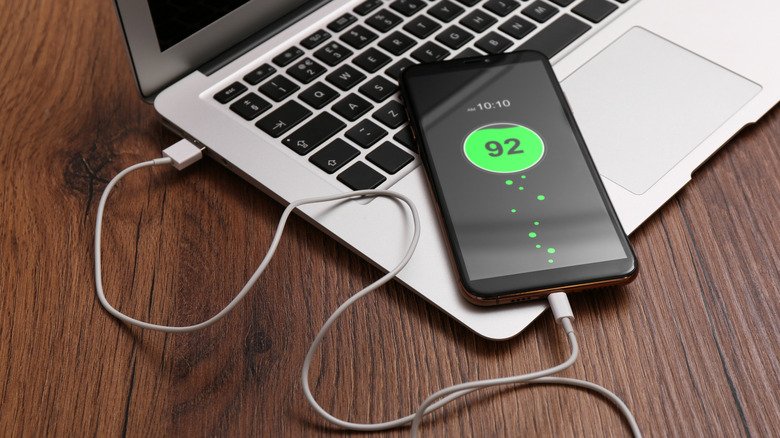
Stop draining it to zero
You don’t need to run the battery flat before plugging in. To improve battery life, you’re better off charging somewhere between 20 and 80 percent than waiting for the phone to die.
So here’s the practical version. Using your phone while it charges shouldn’t damage the battery unless it causes overheating, and limiting usage is still smart. But do it because you want the thing to refill faster, not because you’re protecting the cell.