

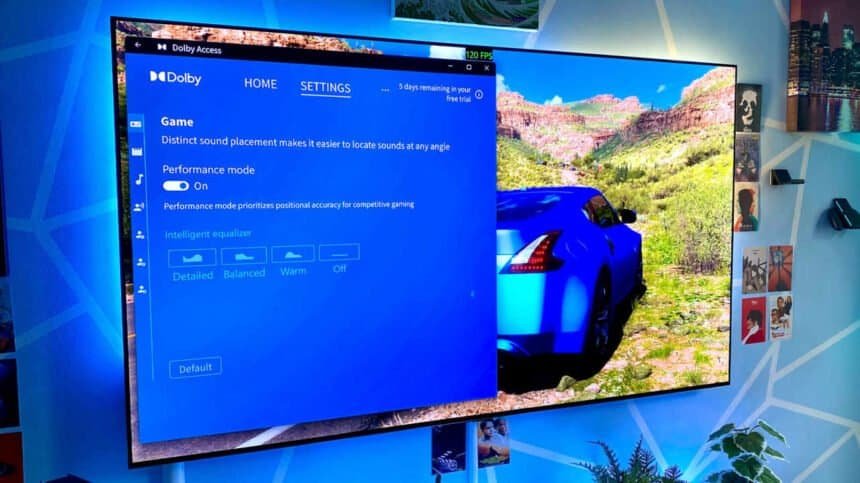
Six PC games. One pair of $15-cheaper-than-it-should-be over-ears. Almost no difference.
That’s the short version of what happened when I spent a week toggling Dolby Atmos for Headphones on and off while playing games that actually support the format. The longer version is more interesting, because the app isn’t useless. It’s just not doing what most people think it’s doing.

What the app is really selling you
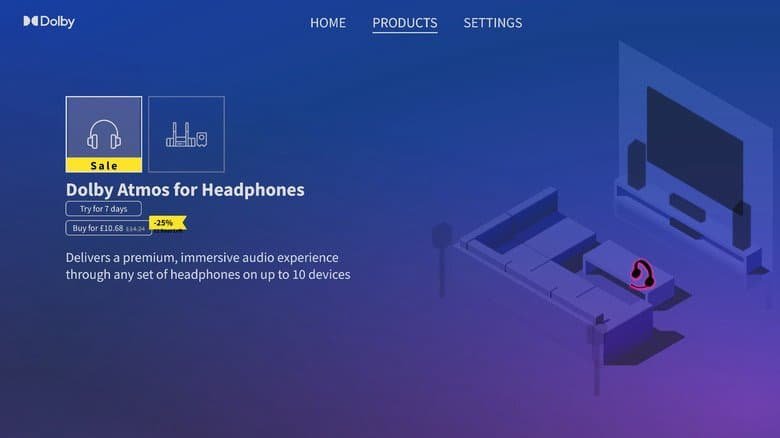
Dolby Atmos for Headphones is a feature buried inside the Dolby Access app, and it mimics spatial audio on pretty much any stereo headset. The trick is binaural rendering, which converts a stereo signal into 3D surround sound. Best wireless headphones on the market or a cheap pair of cans you’ve had since college, the pitch is the same: convincing spatial audio, no special hardware required.
You don’t need a home theater setup to get surround sound in PC games. A good pair of Dolby Atmos headphones handles that, assuming the game supports the 3D audio tech in the first place. But if you’re sitting there with regular stereo headphones and spatial-audio envy, this app is the thing people point you toward.
Dolby Digital, DTS, Atmos, whether you can tell them apart or not doesn’t much matter here. What matters is that Windows and Xbox both have software that fakes surround on stereo headphones, and Dolby wants $14.99 for it.
Getting it running takes about two minutes
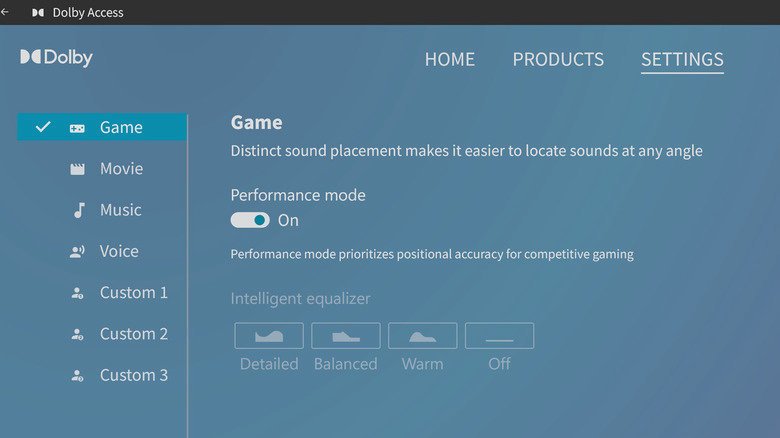
Dolby Access downloads through the Microsoft Store on PC and on Xbox Series X/S. Once it’s installed, head to System > Sound > Preferences on a Windows PC or laptop and make sure “Dolby Atmos for Headphones” is enabled under the Spatial Sound tab. When Dolby Access spots your headphones, the app’s performance mode kicks in on its own.
Want your flat 2D audio back? Settings > Dolby Atmos > Game, then kill the in-app slider.
You can configure Atmos for a home theater through Dolby Access without paying anything. The headphone unlock is the part behind the paywall. There’s a seven-day free trial before you hand over the money, which is genuinely the right way to approach this.
One thing worth knowing before you start: this only does something if you’re wearing stereo cans. Put on headphones with native Dolby Atmos support, like the AirPods Max or Sonos Ace, and nothing changes. I tested a range of Atmos-supporting games with the AirPods Max specifically to see whether Dolby Access’ presets moved the needle. They didn’t. Equalizers on, equalizers off, not the slightest difference.
So is it worth $15?
No.
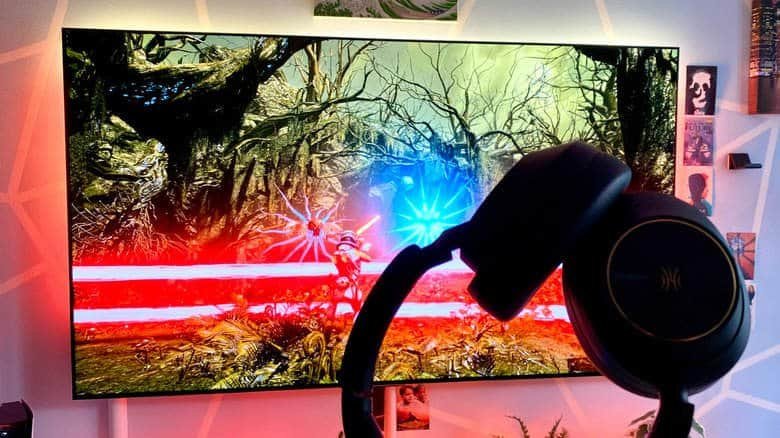
I played half a dozen PC games that all support Dolby Atmos and could barely hear an upgrade with the premium Dolby Access feature switched on. My test pair was the OneOdio Focus A6, a decent budget set of ANC cans, and I kept flicking between performance mode and off.
In Returnal and the Dead Space remake, I’ll admit the Atmos effect built a slightly more convincing multi-directional soundscape. It was a little clearer where the alien attacks were coming from. A little. The difference was subtle enough that I’d struggle to pick it out blind, and it isn’t worth $15 in my somewhat penny-pinching book.
The gap you’ll actually hear
Then I put the AirPods Max back on, and the difference was night and day. Dolby Atmos for Headphones simply can’t compete with cans that support the tech natively.
Alan Wake 2, Cyberpunk 2077 and Forza Horizon 5 all delivered a far more authentic surround experience on the Apple headphones than the Dolby Access feature managed on my stereo over-ears. Not close.
If you want real 3D audio in games built for Dolby Atmos, put the $14.99 toward headphones that do it out of the box instead of the limited facsimile this app serves up. Take the seven-day trial, run it against a game you know well, and let your own ears settle it.