
What Is 1v1.LOL?
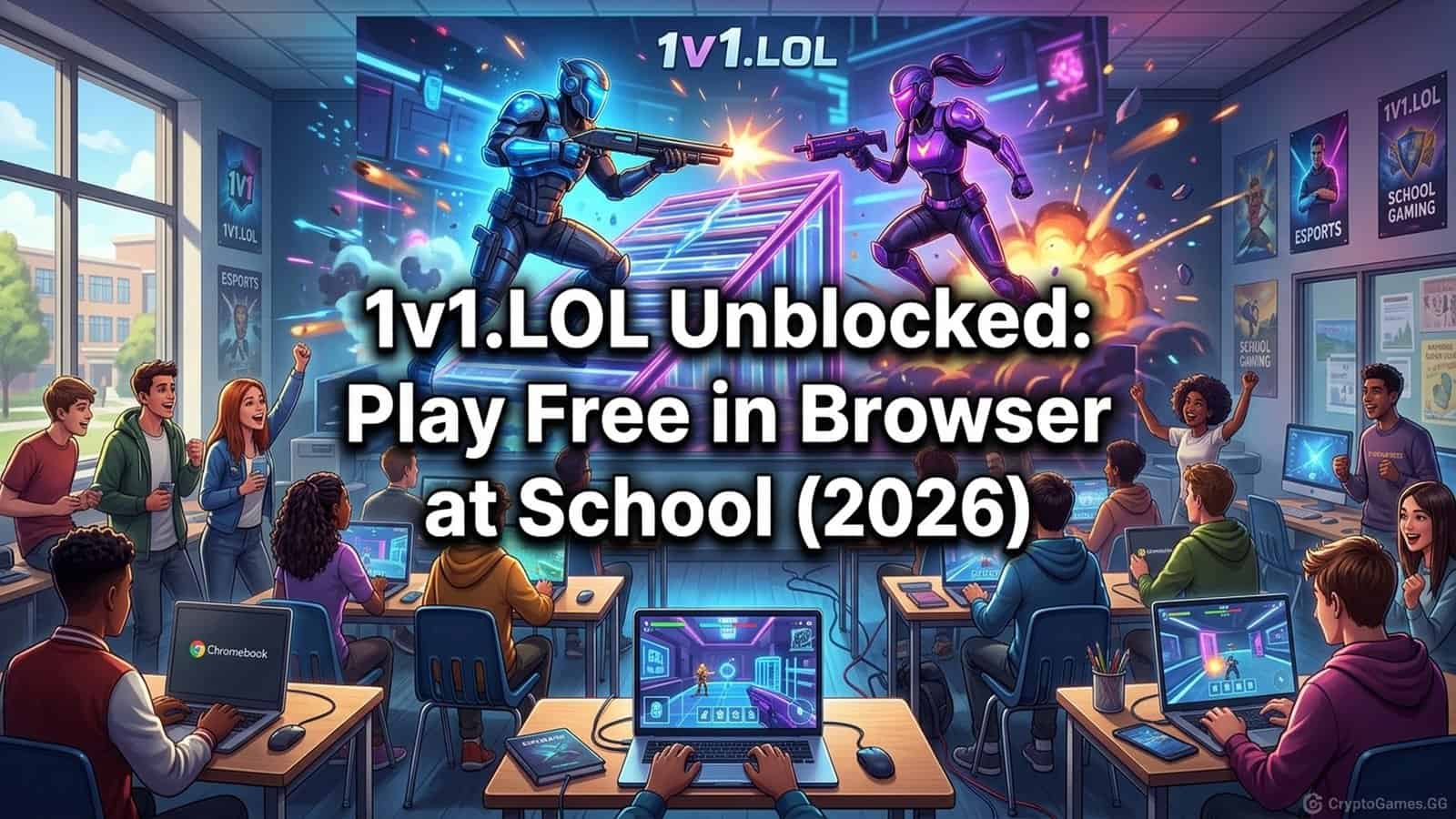
1v1.LOL is a free browser-based competitive shooting game with Fortnite-style building mechanics. Players construct walls, floors, and ramps for cover and height advantage while eliminating their opponent. Matches run 3–5 minutes. The browser version is completely free, requires no download or account for basic play, and is accessible on school networks through platforms that bypass content filters. It is the most popular multiplayer unblocked game in the school browser gaming space.
The game was built specifically as a Fortnite-style experience that runs in a browser, addressing the reality that most school devices cannot run Fortnite. The building mechanics are simplified compared to Fortnite: four structure types instead of five, no editing, and a single build mode toggle. This makes the entry bar lower while preserving the core loop that makes building shooters compelling: the fight for height and cover advantage.
The 1v1 format removes the wait time associated with battle royale games. You enter a lobby, get matched with an opponent, and the match starts immediately. No waiting for 99 other players. No bus ride. The entire session, from opening the tab to the end of a match, is under 10 minutes, which fits neatly into a school lunch period.
How to Play 1v1.LOL Unblocked at School
Navigate to 1v1.LOL through an unblocked platform for Chromebook or directly through a working mirror URL. No account is required for basic play — you can enter as a guest and be in a match within 60 seconds.
The guest mode includes the full 1v1 game mode. Creating an account (which requires an email) unlocks cosmetics and stat tracking, but is entirely optional for gameplay. For school use, guest mode is recommended — do not create an account with your school email.
The first session should be spent in the Build Battles or Box Fight mode rather than 1v1 matches. These modes let you practice building and shooting without the pressure of a live opponent. Five minutes in these modes makes the controls significantly more natural.
1v1.LOL Controls (Building + Combat)
Combat Controls
| Action | Key |
|---|---|
| Move | WASD |
| Aim | Mouse |
| Shoot | Left click |
| Jump | Spacebar |
| Crouch | Left Ctrl |
| Switch weapons | Scroll wheel or 1–5 |
Building Controls
| Structure | Key |
|---|---|
| Wall | Q |
| Floor | E |
| Ramp | C |
| Roof | F |
| Toggle build/combat mode | Right click |
The most important habit to build is switching between combat and build modes fluidly. Right-click places you in build mode, right-click again returns to combat. New players who practice this transition separately — before worrying about where to place structures — develop much faster than those who try to do everything at once.
Game Modes in 1v1.LOL
1v1 (main mode): One versus one. Both players start with the same loadout. First to eliminate the opponent wins. Matches have a timer — the player with more eliminations or higher health wins if time expires.
Box Fight: Both players are placed in a small box. Close-range combat with no open terrain for building. Good for practicing aim and learning weapon feel without the build component.
Battle Royale: A larger-scale mode with more players. Less predictable match lengths — not ideal for school sessions with fixed break windows.
Build Battles: Pure building practice. No combat. Good for memorizing keybinds and developing muscle memory before competitive matches.
Party (with friends): Requires an account for coordination but allows private lobbies. Groups of friends can set up custom matches.
Tips for Beginners
Always build before fighting. Placing a wall between you and an opponent’s shot costs a fraction of a second and can absorb shots that would otherwise eliminate you. The habit of putting up a wall at the first sign of incoming fire is the single biggest difference between beginners and intermediate players.
Height is the primary advantage. Shooting down at an opponent is easier than shooting up. Use ramps to gain elevation quickly. An opponent on the ground who doesn’t build in response is in a losing position.
Box yourself in defensively. When taking damage, place a floor above you and walls around you. This forces the opponent to break your structures to reach you, buying time to heal or reload.
Practice building in Box Fight mode before playing 1v1. The keybinds feel unnatural at first. Box Fight mode has no open terrain, which forces you to focus on close-range mechanics without the vertical building that 1v1 requires.
Learn one weapon per session. 1v1.LOL provides multiple weapon types. Trying to learn all of them simultaneously leads to inconsistency. Pick one weapon per session and use it exclusively until you understand its range, fire rate, and reload timing.
Why 1v1.LOL Works at School Without VPN
1v1.LOL is accessible on school networks when hosted on platforms that use Google Sites infrastructure. Unblocked Games G Plus hosts the game on sites.google.com — the same domain as Google Classroom — which school filters cannot block without disrupting the school’s own tools.
The game itself is HTML5-based. Nothing downloads to the device. The browser handles all rendering, and the game communicates with the game server via standard web protocols. This is indistinguishable from loading any other web application from the filter’s perspective.
On very strict networks with port-level filtering, the multiplayer matchmaking may fail even if the page loads. If you see the game interface but matches won’t start, the network is blocking the game’s connection ports rather than the domain. In that case, single-player practice modes (Box Fight with bots) may still work.
1v1.LOL vs Fortnite: Key Differences
| Feature | 1v1.LOL | Fortnite |
|---|---|---|
| Platform | Browser (HTML5) | Downloaded client |
| Hardware required | Any Chromebook | Gaming PC / console |
| Match length | 3–5 minutes | 20–30 minutes |
| Player count | 1v1 (or small lobbies) | Up to 100 players |
| Building | 4 structure types, simplified | 5 structure types + editing |
| Cost | Free, no account needed | Free, account required |
| School accessibility | Works through unblocked platforms | Blocked on most school networks |
For a complete list of multiplayer and single-player options, see the Unblocked Games 6x guide and the Slope unblocked guide for a fast single-player alternative.
FAQ
What is 1v1.LOL unblocked?
1v1.LOL is a browser-based competitive shooter with Fortnite-style building mechanics. The unblocked version runs entirely in the browser with no downloads, making it accessible on school networks.
How do you build in 1v1.LOL?
Press Q to place walls, E to place floors, C to place ramps, and F to place roofs. Right-click to switch between combat and building modes. Practice these in the training area first.
Is 1v1.LOL free to play?
Yes. The full browser version of 1v1.LOL is completely free with no purchases required.
Can you play 1v1.LOL on a Chromebook?
Yes. 1v1.LOL runs in any modern browser, including Chrome. No downloads or extensions are needed on a Chromebook.